Blog / · 4 min read
Facebook ad rejected? Every rejection reason and how to fix it
Veikka Grundström Founder, upload.ad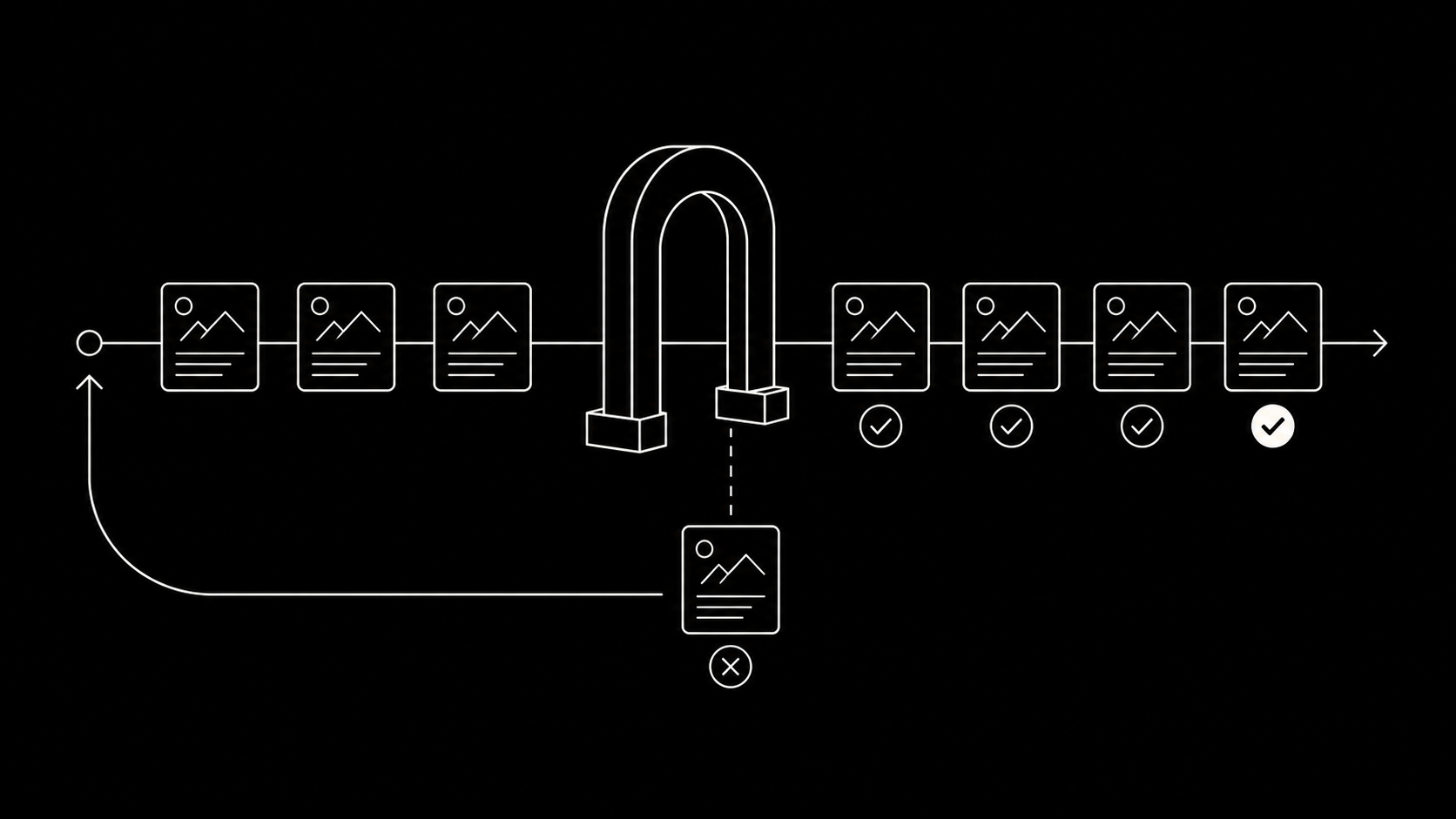
On this page
Ad rejections are the paper cuts of media buying: individually small, collectively expensive, and occasionally infected. One rejection delays a launch. A pattern of them feeds the account-level risk score that leads to restrictions. Here is why Meta rejects ads, the fixes for each rejection family, and the pre-launch checks that keep your rejection rate near zero.
How review works
Every new or edited ad goes through review, which is largely automated with human escalation. It checks the creative, text, targeting, and, importantly, the landing page. Typical turnaround is under 24 hours. Because edits re-trigger review, launch-day edit sprees are how teams end up with half a campaign in limbo.
The rejection families and their fixes
1. Personal attributes
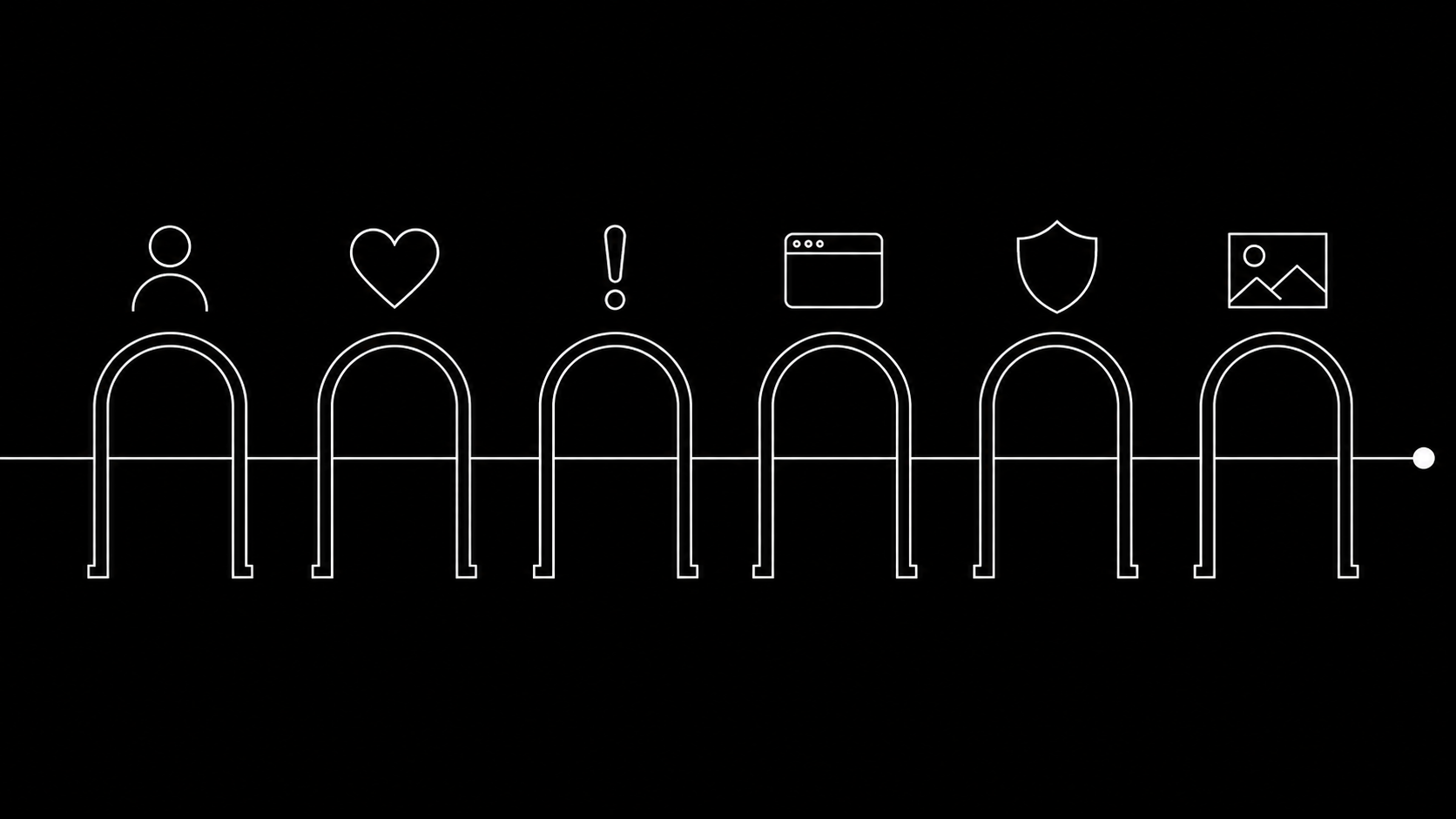
The most common and most misunderstood rule: ads may not assert or imply things about the viewer. "Struggling with debt?" implies the viewer has debt. "Meet other singles" implies they are single. Direct "you" plus a sensitive attribute (health, finances, religion, sexuality, criminal record) is the pattern the classifier hunts.
Fix: rewrite from second person to first or third. "Struggling with debt?" becomes "Thousands are restructuring their debt this year." Same message, no attribution to the viewer.
2. Health, appearance, and before/after
Weight loss claims, "miracle" language, negative body-image framing, and before/after transformations. Supplements and fitness live under permanent extra scrutiny.
Fix: show the product and the routine, not the transformation. Outcome language stays general ("feel stronger") rather than measured ("lose 5 kg in 2 weeks"), which is also the claim discipline your UGC briefs should already enforce.
3. Misleading claims and clickbait
Exaggerated results, fake countdown urgency, "doctors hate this" bait, unverifiable superlatives, and anything the reviewer cannot see substantiated on the landing page.
Fix: every specific claim in the ad should be visible and supported on the page you link to. If legal would wince, the classifier eventually will too.
4. The landing page itself
A clean ad pointing at a noncompliant page gets rejected the same as a dirty ad: pages with no contact info, auto-download prompts, disabled back buttons, content that differs from the ad's promise, or a domain with a bad reputation.
Fix: review the destination as part of creative review, not as someone else's department. Ad-to-page consistency is the check.
5. Restricted and prohibited categories
Alcohol, gambling, dating, financial products, health, and politics each carry extra rules (age gates, regional bans, required authorizations); some categories (drugs, weapons, counterfeit) are simply prohibited. Regional compliance matters if you buy globally; an ad fine in one market can be rejected in another.
Fix: know your category's specific policy page, complete the authorizations where they exist, and geo-split campaigns where rules differ.
6. Format and technical violations
Non-functional interactive elements (fake play buttons, fake dropdowns), excessive cropped text, low-resolution assets, and profanity workarounds like "f*ck".
Fix: these are the cheapest rejections to prevent; a spec-correct export and a no-fake-UI rule remove the family entirely.
What to do when an ad is rejected
- Read the cited policy in the ad's status; the category is usually right even when the specific ad seems fine.
- If you can see the violation: fix and republish. Fixed ads pass routinely, and a corrected ad is better for the account than a contested one.
- If the rejection looks wrong: use Request review in Account status overview. False positives from automated review are common and appeals genuinely work; most contested clean ads clear within a day or two.
- Do not resubmit the identical ad repeatedly without changes or an appeal. Repeat violations on the same asset accelerate account-level trouble.
And track the pattern: a rejection rate above a couple of percent is a process smell, not bad luck.
Preventing rejections at volume
At ten ads a month, rejections are noise. At a hundred, they need a system:
- A written claims list per client or product: approved claims, forbidden phrasings, required disclaimers. Half of rejections are wording, and wording is checkable before launch.
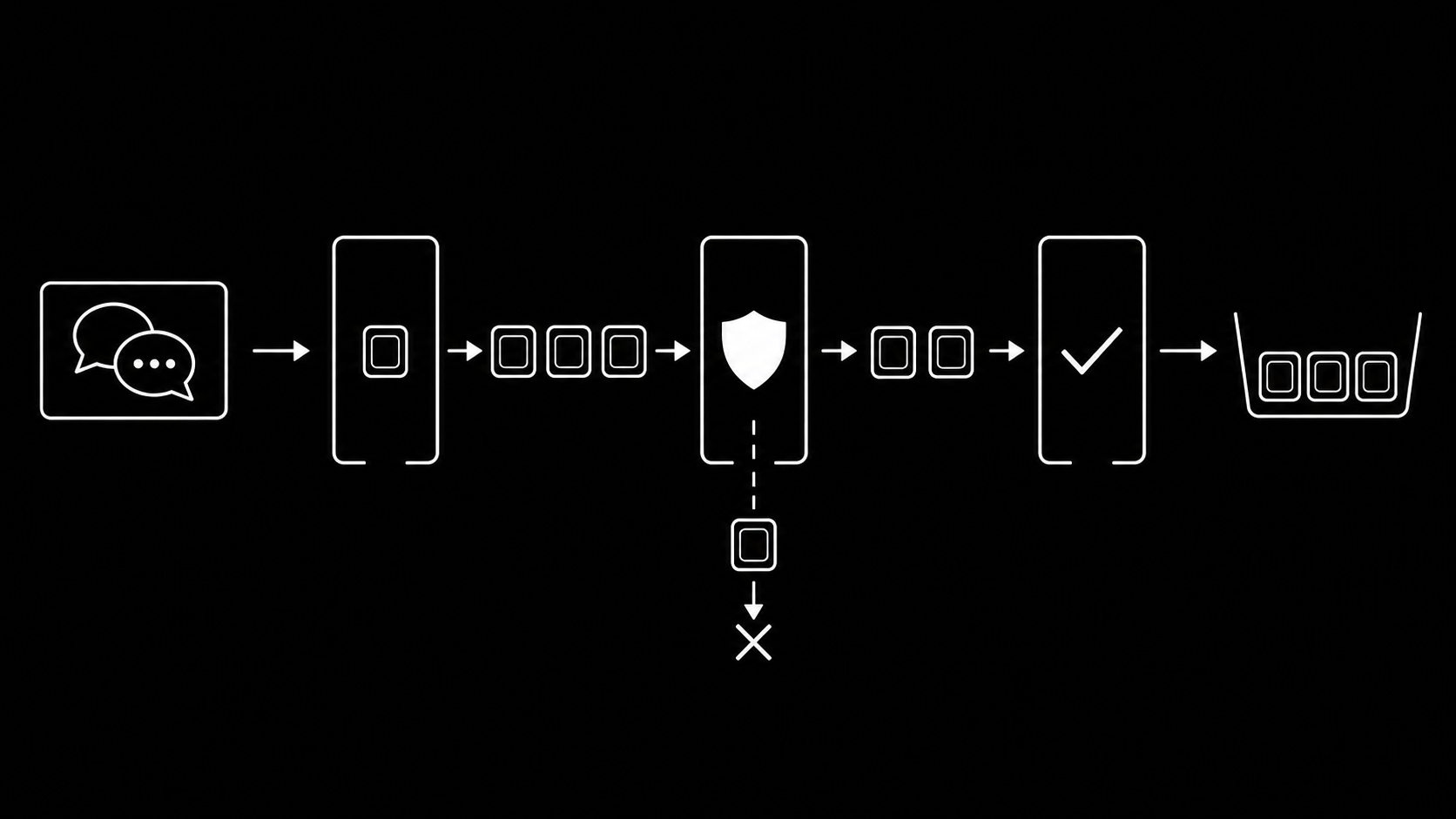
- Policy check as a review step. Your creative review flow already has an approval gate; add "policy pass" to it so compliance sign-off happens where the timecoded comments happen, not in Ads Manager after the fact.
- Batch launches, not dribbles. Uploading the whole batch at once means one review cycle instead of a week of re-review roulette after every edit.
- Watch the landing pages as deployment artifacts; a page edit can retroactively invalidate running ads.
Frequently asked questions
Why does Facebook keep rejecting my ads?
Repeated rejections usually mean one policy family keeps triggering, most often personal attributes wording or landing page issues. Read the cited policy on any three rejections; the pattern is normally obvious, then fix the template rather than each ad.
How long does Facebook ad review take?
Usually under 24 hours, often much faster. Complex categories, new accounts, and appeal reviews take longer. Every edit restarts review.
Do rejected ads hurt my account?
A few one-off rejections, no. A sustained pattern contributes to account-level enforcement; Meta says so explicitly. Keep the rate low and appeal wrong calls instead of mutating and resubmitting.
Can I appeal a rejected Facebook ad?
Yes, via Request review in Account status overview. Appeals are worth it for clean ads: automated review produces false positives regularly and reviewers do overturn them.
Rejections drop fastest when policy review happens before upload, not after. upload.ad puts approval and delivery in one pipeline. Start free.
Veikka Grundström, Founder
I build upload.ad, the creative library and review workflow media buying teams use to get ads from edit to live on Meta and TikTok. I write about the parts of that job that waste the most time: creative testing, platform specs, review approvals, and the API behaviour nobody documents properly.