Blog / · 4 min read
Facebook ad account restricted: why it happens and how to recover
Veikka Grundström Founder, upload.ad
On this page
Few messages stop a media buyer's heart like "Your ad account has been restricted." Spend halts, campaigns pause mid-learning, and the client wants answers you do not have yet. The frustrating part is that most restrictions are recoverable, and a good share of them are preventable.
Here is why Meta restricts ad accounts, exactly how to appeal, and how teams running multiple accounts reduce the odds of it happening again.
Restricted vs. disabled: know which one you have
Meta uses several enforcement levels and the recovery path differs:
| State | What it means |
|---|---|
| Ad account restricted | The account cannot run ads; other accounts in the Business may still work |
| Advertising access restricted (personal) | You cannot advertise from any account; usually tied to your profile |
| Business account restricted | The whole Business portfolio loses advertising ability |
| Ad account disabled | Stronger action, often policy-related, still appealable |
Check Account status overview (formerly Account Quality) in your business settings to see which asset was hit and the cited reason. Do not rely on the email; the dashboard is the source of truth.
The usual causes
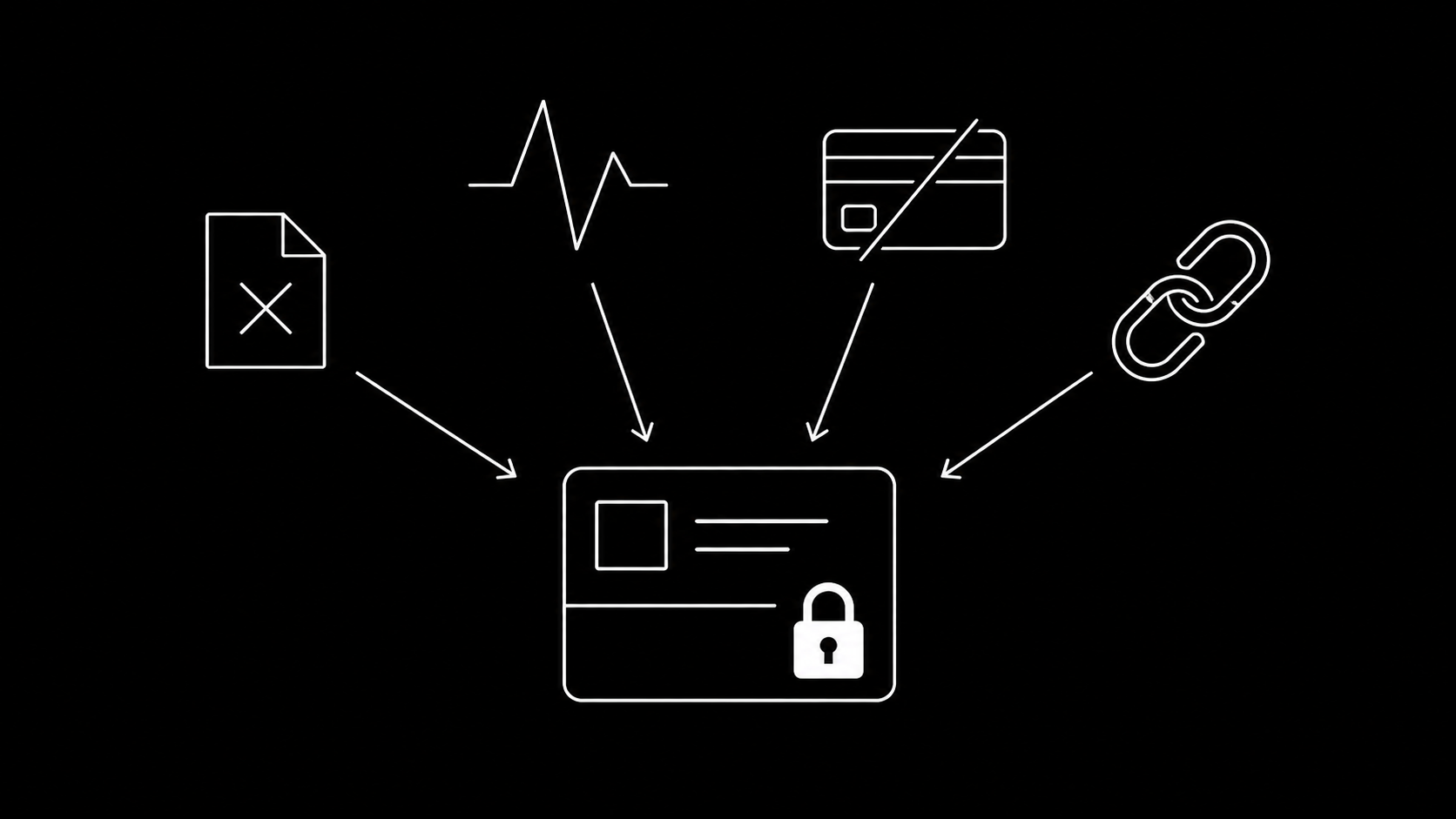
- Policy violations that accumulate. Rejected ads are individually minor, but a pattern of rejections in one account is the single most common trigger. Prohibited categories, exaggerated claims ("lose 10 kg in a week"), and before/after imagery are classic offenders.
- Unusual activity signals. New account spending fast, sudden geography change, a new admin from a new device, or a burst of API activity that looks automated in a bad way.
- Payment failures. Repeated declined charges read as fraud risk. Prepaid cards and frequently-switched payment methods make it worse.
- Circumventing systems. Cloaking, link redirects that change post-review, running ads for a banned advertiser through your account. This is the category with the worst recovery odds.
- Guilt by association. Shared Business assets, pages, or admins connected to a previously-banned entity. Agencies inherit this risk from clients constantly.
How to appeal, step by step
- Open Account status overview in the Business settings.
- Select the restricted asset. Meta shows the violation category it believes applies.
- Click Request review. You usually get a short text field: be factual and specific, not emotional. State what the account advertises, that you reviewed the cited policy, and what was fixed if anything was genuinely wrong.
- Complete any identity or business verification Meta asks for. Verification requests during appeals are common and completing them quickly correlates with faster resolutions.
- Wait. Simple reviews resolve in 48 hours; identity-verification cases can take a few weeks. Submitting multiple parallel appeals does not speed anything up and can reset your place in the queue.
If the appeal is denied and you believe it is wrong, advertisers with a Meta rep or spend history sometimes get a second look through support chat in Business Help. Without that, the practical path is fixing the underlying signal and operating a compliant account structure going forward.
What not to do: do not spin up a fresh account with the same page, domain, and payment method to "get around" the restriction. Meta links assets aggressively, and evasion converts a recoverable restriction into a permanent one.
Prevention for teams and agencies
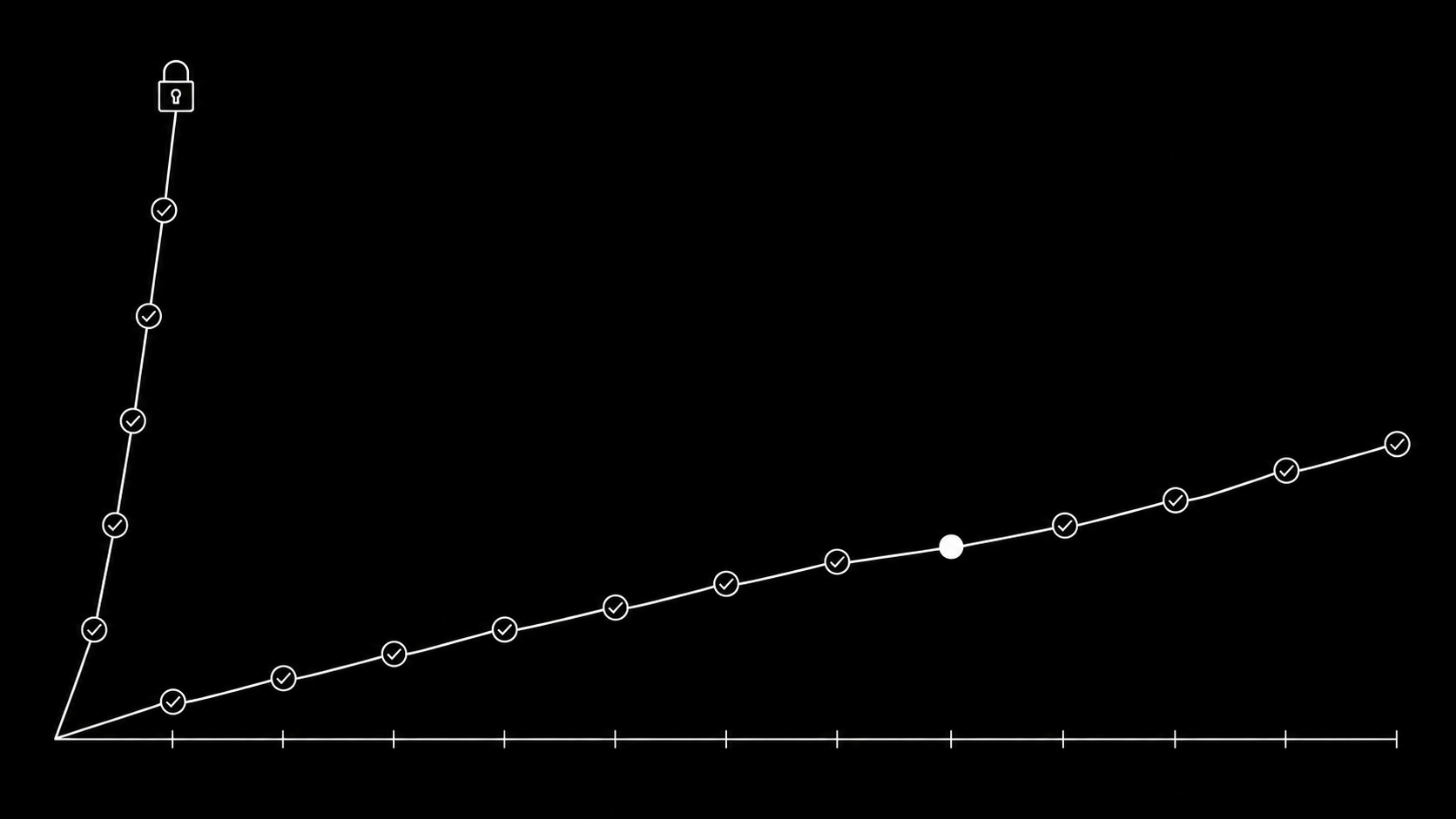
- Warm up new accounts. Modest budgets and boring, clearly-compliant creatives for the first weeks. Ramp after the account has history.
- Keep rejection rates low. Pre-check risky claims before launch instead of letting Meta's review be your compliance process. Internal creative review with explicit approval exists for exactly this.
- Verify the Business early, before you need it mid-appeal.
- Isolate clients. One client per ad account, and think twice before merging Business assets with an unfamiliar partner's.
- Stable payment method, no card roulette.
- Use the official API for volume work. Bulk activity through the Marketing API with proper pacing looks like what it is: tooling. Scraped or browser-automated bulk actions look like account takeover. This is one of the quieter reasons teams move batch uploading to API-based tools.
Frequently asked questions
How long does a Facebook ad account restriction last?
Until a successful review. Straightforward appeals often clear within 48 hours; cases involving identity verification or repeated violations can take several weeks.
Can I create a new ad account while restricted?
Technically often yes, but if it shares the page, domain, admins, or payment method with the restricted account, expect it to be flagged too. Fix the original problem instead.
Why was my account restricted with no violations?
Usually risk signals rather than content: payment issues, login anomalies, unusual spend patterns, or a linked asset with a bad history. The appeal process is the same.
Do rejected ads lead to account restriction?
One rejection, no. A sustained pattern of rejections is a known aggravating factor, which is why catching policy problems in internal review before launch matters.
The best appeal is the one you never write. Keep launches clean and compliant with a real review and approval flow, then deliver approved batches through the official APIs with upload.ad. Start free.
Veikka Grundström, Founder
I build upload.ad, the creative library and review workflow media buying teams use to get ads from edit to live on Meta and TikTok. I write about the parts of that job that waste the most time: creative testing, platform specs, review approvals, and the API behaviour nobody documents properly.