Blog / · 4 min read
The ad creative review workflow that ends screenshot ping-pong
Veikka Grundström Founder, upload.ad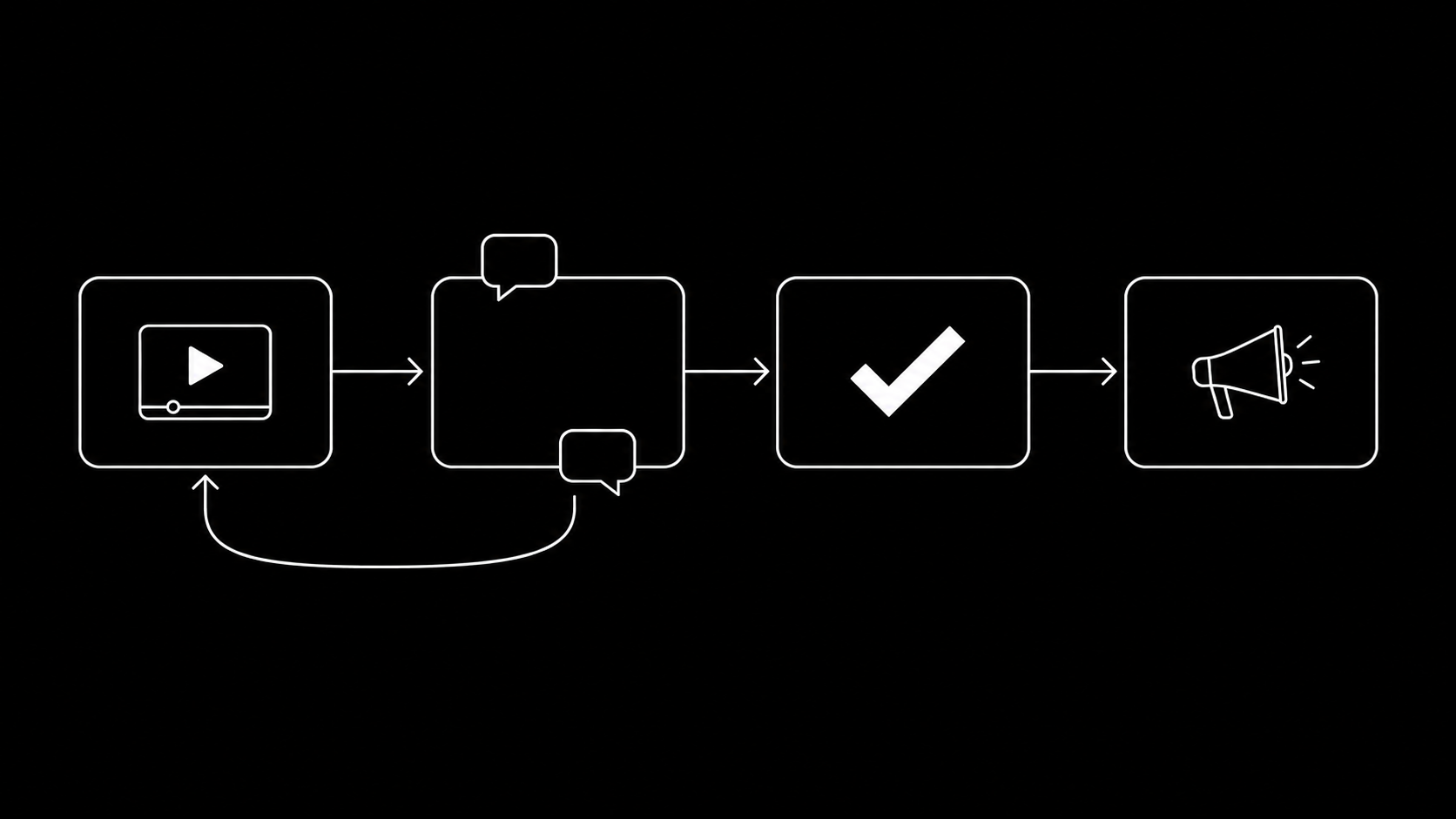
On this page
Every ad team has lived this thread: a Slack message with four video files, "thoughts?", eleven replies, two screenshots with arrows drawn on them, a WeTransfer link that expired, and a file called hook3_FINAL_v7_USE-THIS-ONE.mp4 that nobody is sure is actually final. Meanwhile the launch slips two days.
Creative production has real tooling. Media buying has real tooling. The step between them, review and approval, usually runs on chat threads and folder chaos. Here is a workflow that fixes it, and what to look for in the tools that support it.
Why creative review breaks down
The failure modes are the same at agencies and in-house teams:
- Feedback is detached from the file. "The logo comes in too early" means nothing without a timestamp. Screenshots with arrows are timestamps reconstructed by hand.
- Versions multiply in filenames. Once
v2_finalandv2_final_fixedcoexist, someone will upload the wrong one to the ad account. At volume, someone already has. - Approval is implied, not recorded. "Looks good 👍" from a client in a thread is not an approval you can find three weeks later when they ask why that ad ran.
- Reviewers need accounts. Getting a client or founder into another SaaS tool for a one-minute approval is friction that turns into "just send it in email."
- Approved is not live. Even after sign-off, the files still have to be collected and uploaded to Meta and TikTok, which is its own time sink.
The workflow that works
The teams that move fastest converge on five rules.
1. One place per creative, comments pinned to time
All feedback lives on the creative itself, and video comments carry a timecode. "0:03, cut to product one beat earlier" is actionable; "the beginning drags" is a meeting. This alone removes the screenshot-and-arrow economy.
2. Explicit statuses instead of vibes
Every creative has exactly one state at all times, something like:
| Status | Meaning |
|---|---|
| In review | Waiting on feedback |
| Changes requested | Editor has actionable notes |
| Approved | Cleared to publish, no further edits |
| Live | In the ad account |
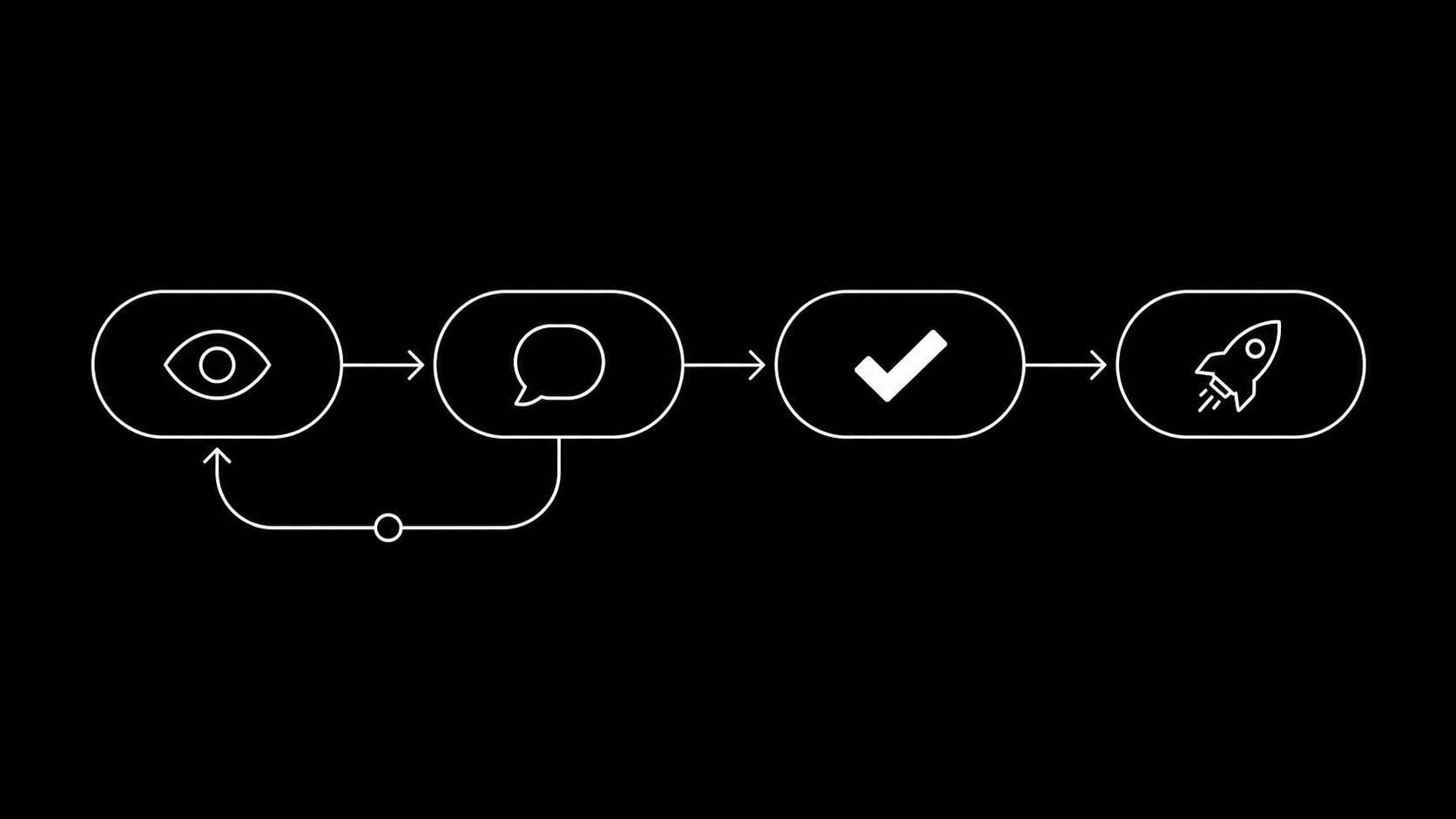
The approval is a recorded action by a named person, not a thumbs-up emoji. When a client asks "who approved this?", there is an answer.
3. Versions stack, they do not fork
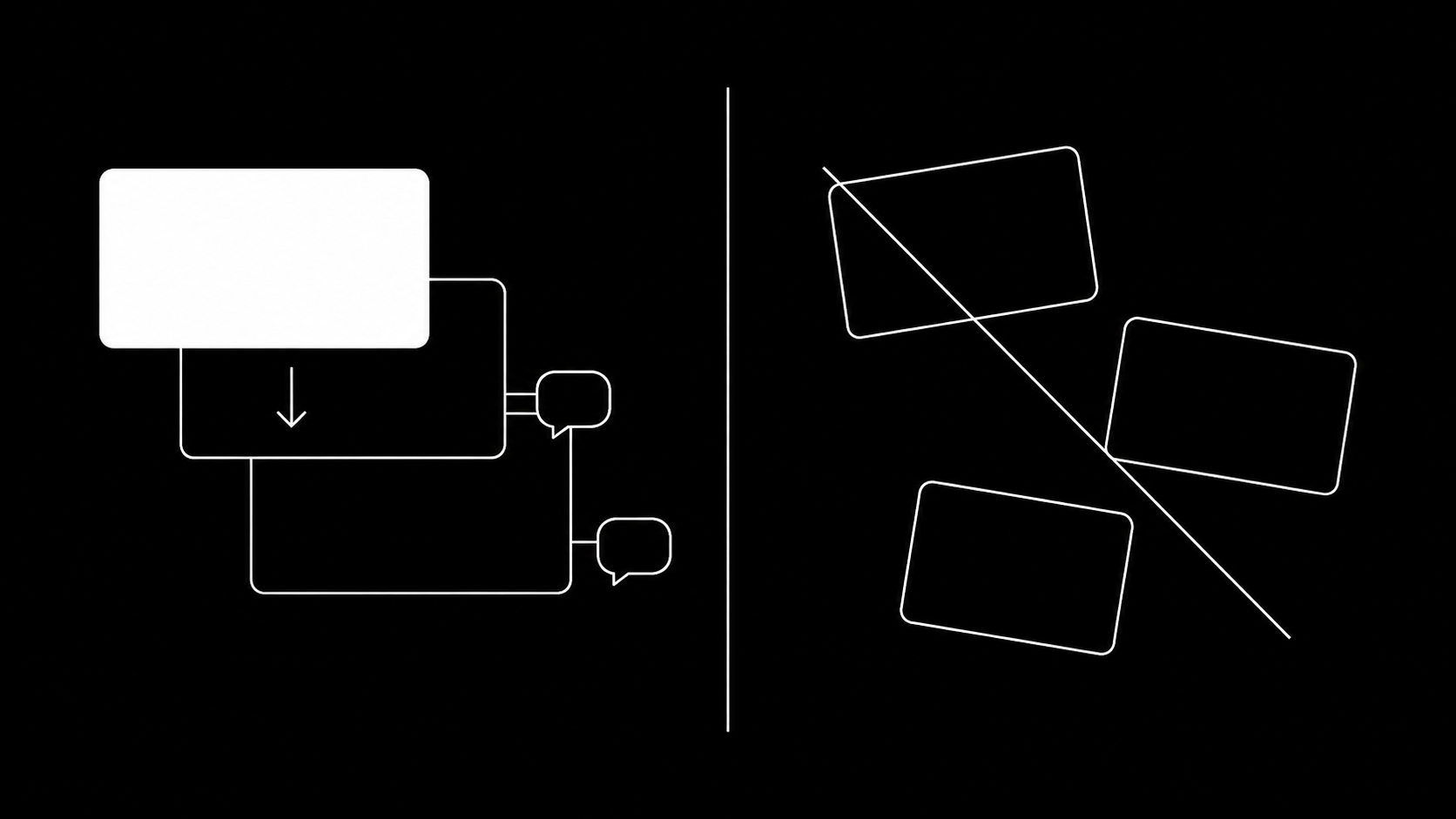
A revision replaces the old cut in place, with history preserved. Reviewers always open the current version by default, and old comments stay attached to the version they were made on. Nobody grades feedback against a stale file, and _v7_FINAL filenames disappear because the tool carries the version, not the name.
4. Reviewers click a link, nothing else
External stakeholders (clients, founders, compliance) get a share link that opens in the browser: watch, comment with timecodes, approve. No account, no seat cost, no onboarding. The moment reviewing requires a login, feedback migrates back to email.
5. Approved flows straight to the ad account
The handoff from "approved" to "in Meta and TikTok" should be zero manual file handling. If someone downloads approved files and re-uploads them by hand, you have reintroduced both the delay and the wrong-version risk you just eliminated.
What this looks like in upload.ad
We built this workflow into upload.ad because our customers kept describing the same gap: review tools that stop at "approved", and upload tools that start at "give me files".
- Timecoded comments and annotations on every image and video
- Review statuses with a recorded approval trail
- Share links for clients and stakeholders, with unlimited free reviewers on every plan
- Versions that stack in place with comment history
- And the part the review-only tools miss: approved creatives go to your Meta and TikTok ad accounts through the official APIs in one queued batch, paced against rate limits, with per-file status
Review to live becomes one pipeline instead of three tools and a Slack thread.
Frequently asked questions
What is an ad creative approval workflow?
A defined path a creative follows from draft to live: upload, timecoded feedback, revisions as stacked versions, a recorded approval by a named reviewer, then publishing to the ad platforms. The goal is that no step happens in chat or by re-sending files.
How do agencies get client approval on ad creatives?
The pattern that works is a browser share link per batch: the client watches each cut, leaves timecoded comments, and clicks approve, without creating an account. The agency gets a timestamped approval record per creative.
Why not just use Frame.io or a review tool?
General video review tools handle feedback well but stop at approval: the files still have to be exported and manually uploaded to Meta and TikTok. For ad teams specifically, ending the workflow at the ad account removes the slowest, most error-prone step. That last mile is why we built upload.ad.
How does this fit a weekly creative testing cadence?
Review is the step between production and launch in the testing loop. With statuses and share links, review happens in parallel across the batch and the approved set ships in one upload, which is what keeps the loop at one week.
Run the next batch through a real pipeline. Start a free trial, reviewers are free and unlimited.
Veikka Grundström, Founder
I build upload.ad, the creative library and review workflow media buying teams use to get ads from edit to live on Meta and TikTok. I write about the parts of that job that waste the most time: creative testing, platform specs, review approvals, and the API behaviour nobody documents properly.