Blog / · 5 min read
Facebook Marketing API rate limits, explained for media buyers
Veikka Grundström Founder, upload.ad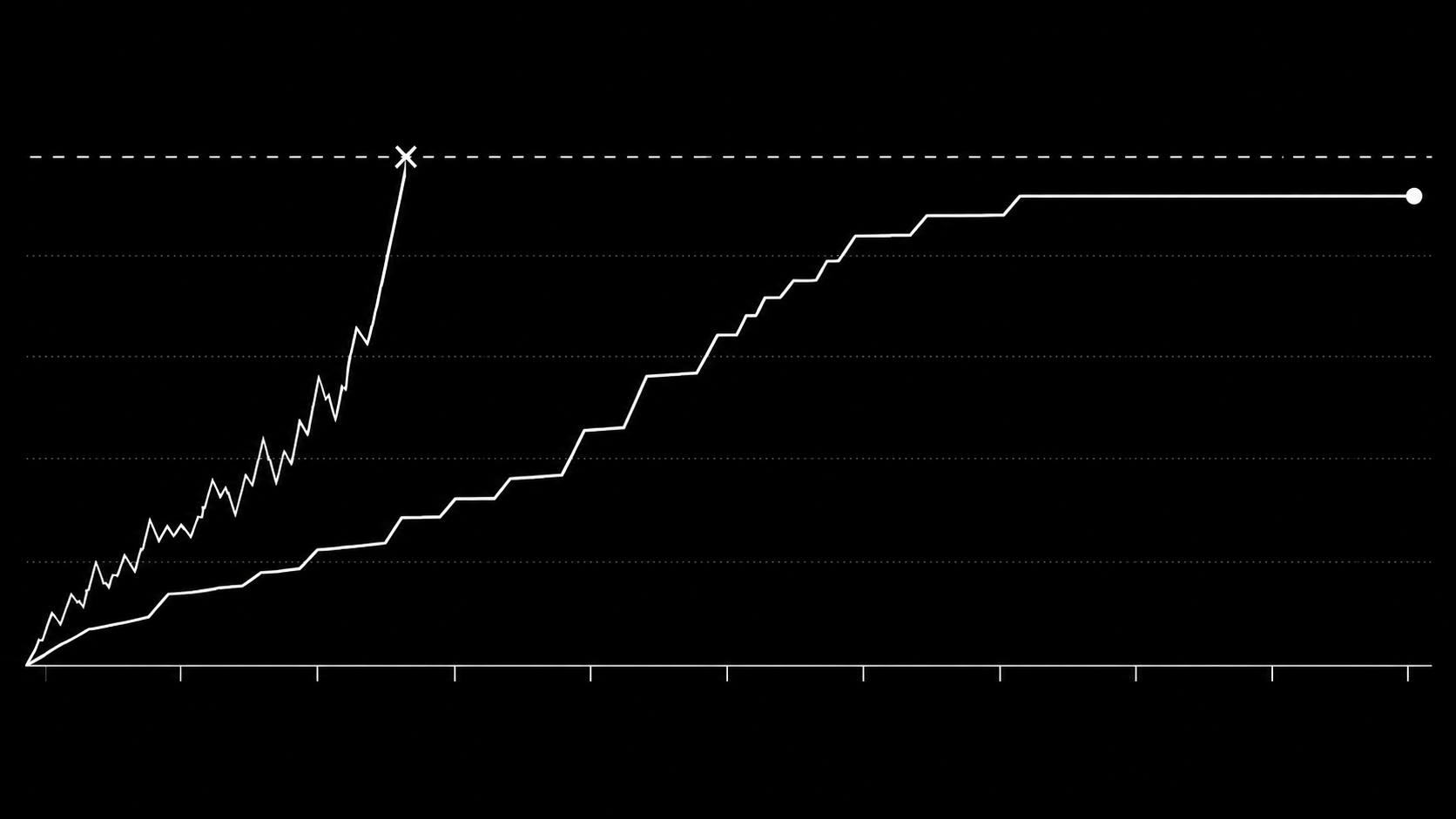
On this page
If you have ever had a bulk action on a Meta ad account fail halfway with a vague error, there is a decent chance you met a Marketing API rate limit without knowing it. Rate limits are also the reason "just script the uploads" turns out to be harder than it looks.
This is a plain-language explanation of how Meta's Marketing API rate limiting works, what the errors mean, and how to move high volumes of creative without tripping it. You do not need to be a developer to follow it, but the details are accurate enough to hand to one.
The mental model
Meta does not give you a simple "X requests per minute" quota. Instead:
- Limits are enforced per ad account (and separately per app and per user), so one busy account cannot be rescued by routing through another token.
- Different calls have different costs. Writes (uploading a video, creating an ad) cost far more than reads, and some endpoints are scored by CPU time and complexity rather than call count.
- Usage decays over a rolling window. You do not get a fresh bucket every minute; headroom recovers gradually as old activity ages out.
- Your current usage is reported in response headers on every call:
X-Business-Use-Case-Usage(ads accounts) reports percentages for call count, total CPU time, and total time, plus anestimated_time_to_regain_accesswhen you are blocked.
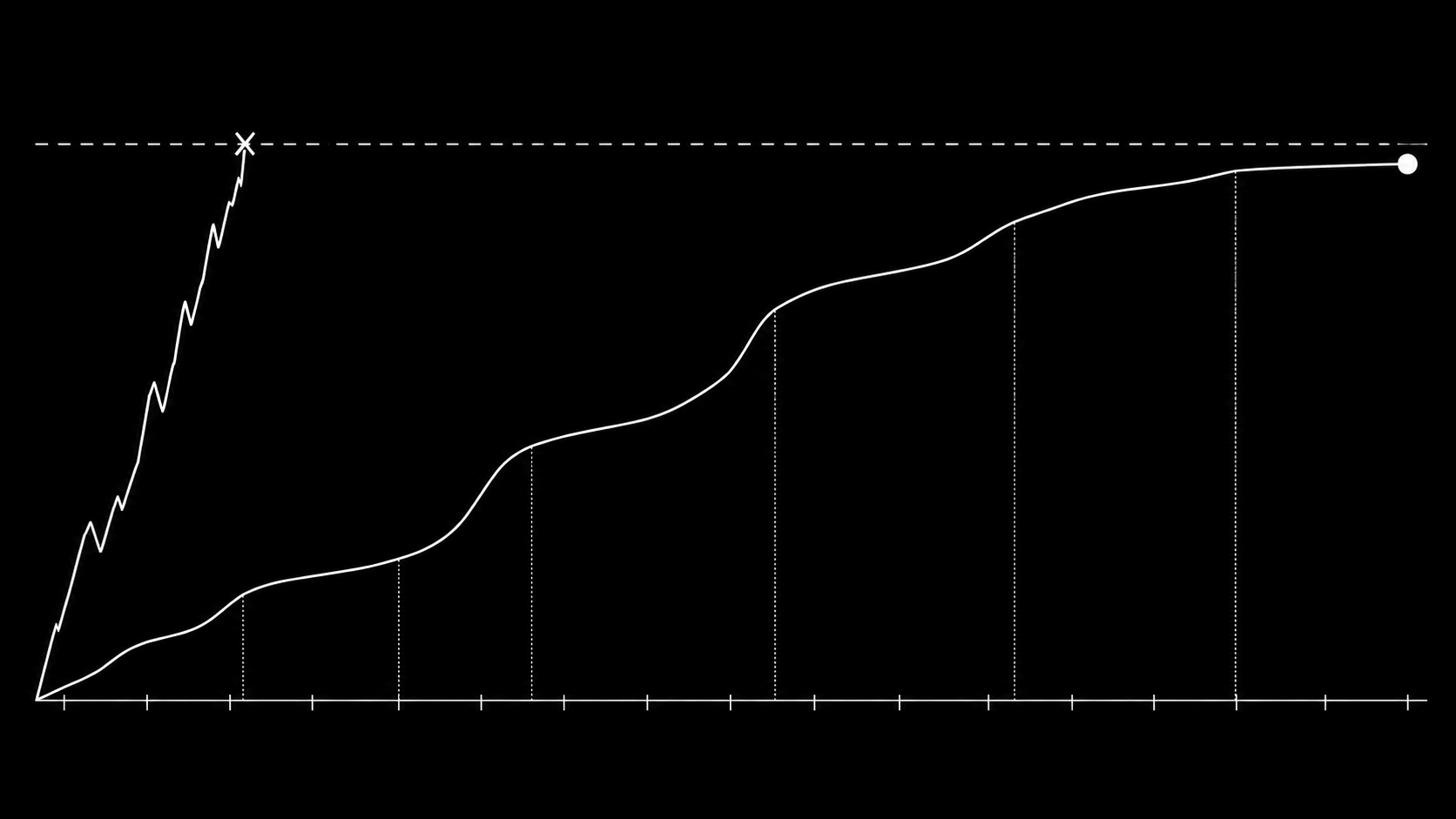
The important consequence: the API tells you, on every single response, how close you are to the ceiling. Well-behaved tools read that and slow down before hitting it. Naive scripts ignore it and slam into the wall.
What hitting the limit looks like
When an ad account is throttled you see errors like:
| Error | Meaning |
|---|---|
| Code 17, "User request limit reached" | Generic API-level throttle |
| Code 80004 | Too many Marketing API calls for this ad account |
| Code 613 | Custom rate limit on a specific endpoint |
estimated_time_to_regain_access | Minutes until the account can make ads writes again |
Two things make this painful in practice:
- The block applies to the account, not the tool. If your upload script trips the limit, Ads Manager actions and every other integration on that account can degrade too, typically for somewhere between a few minutes and an hour.
- Failures land mid-batch. File 41 of 80 fails, and everything after it fails, and now you need to work out which creatives actually made it into the account.
Why creative uploads are the heaviest case
Uploading media is close to the most expensive thing you can do against an ad account:
- Videos upload in chunks, each chunk is a call, and then the API must be polled until processing finishes. One 200 MB video can be dozens of requests.
- Batches multiply it. An 80-file mixed batch can easily be several hundred write calls.
- Development-tier apps (most homegrown scripts) get a fraction of the headroom that apps with standard Marketing API access get, so DIY integrations hit the wall much earlier.
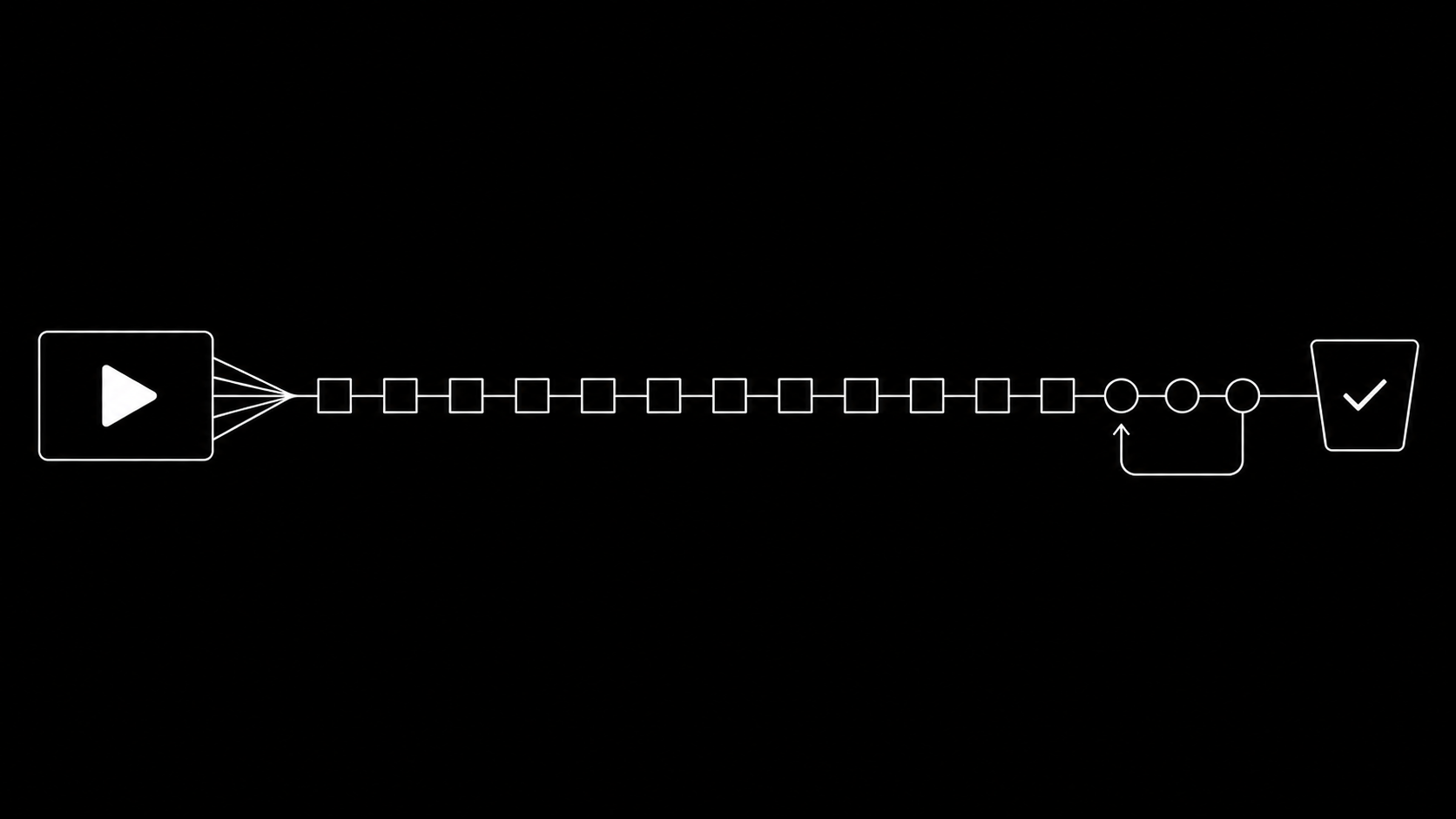
This is why bulk uploading is a queueing problem, not a scripting problem. Firing uploads in a loop with a fixed sleep(2) between them fails in both directions: too slow when you have headroom, and still over the limit when you do not, because costs vary per file.
How to stay under the limit
If you are building or evaluating an integration, the correct behavior is:
- Read the usage headers on every response and treat them as the source of truth.
- Pace dynamically. Slow down as usage climbs, pause entirely near the ceiling, resume as headroom decays back.
- Track every file as its own job with retries and terminal failure reasons, so a mid-batch throttle costs you a delay, not lost creatives.
- Back off on error codes 17, 613, and 80004 and respect
estimated_time_to_regain_accessrather than hammering. - Never parallelize blindly. Concurrency is fine only while headers show headroom.
TikTok's API has the same shape of problem (per-advertiser quotas, QPS caps on media endpoints) with different numbers, so a two-platform pipeline needs this logic twice.
Or skip the engineering entirely
This queueing-and-pacing layer is the core of what upload.ad does. Every batch you drop in is delivered through the official Meta and TikTok APIs by a server-side queue that reads the rate limit signals in real time, pauses before any ceiling, resumes automatically, and reports per-file status. Your account never trips a throttle, and no upload is lost to one. What that looks like in practice is covered in how to bulk upload creatives without Ads Manager.
Frequently asked questions
What is the Facebook Marketing API rate limit?
There is no single published number. Limits are dynamic, enforced per ad account (and per app and user), scored by call cost rather than raw count, and reported live in the X-Business-Use-Case-Usage response header. Spend-active accounts generally get more headroom.
How long does a Marketing API rate limit block last?
Typically a few minutes to an hour. When blocked, the error response includes estimated_time_to_regain_access with the wait in minutes.
Do rate limits affect Ads Manager too?
Heavy API throttling on an account can degrade other tooling on the same account. Ads Manager itself has internal privileges, but third-party integrations all share the account-level budget.
Does upgrading my Meta app tier fix it?
Standard access raises the ceiling substantially compared to development access, but does not remove it. High-volume upload pipelines still need header-based pacing.
Prefer not to own any of this? Start a free trial and let the queue handle the pacing.
Veikka Grundström, Founder
I build upload.ad, the creative library and review workflow media buying teams use to get ads from edit to live on Meta and TikTok. I write about the parts of that job that waste the most time: creative testing, platform specs, review approvals, and the API behaviour nobody documents properly.