Blog / · 6 min read
TikTok Smart+ campaigns: what it automates and what you control
 Veikka Grundström Founder, upload.ad
On this page
If you have opened TikTok Ads Manager lately to build a Sales or App Promotion campaign, you have probably noticed that the "manual or Smart+" choice has mostly disappeared. In 2026 TikTok folded the two into one creation flow, and Smart+ is now the default shape of a performance campaign. The question for media buyers is no longer whether to use Smart+, it is which parts of it to leave automated.
Here is what Smart+ automates today, which objectives it covers, what you still control, and when a tightly managed setup still earns its keep.
What Smart+ is in 2026
Smart+ started as a separate, fully automated campaign type: you gave TikTok a budget, a goal, and some creatives, and it handled targeting, placements, bidding, and creative mixing. Buyers who wanted control built "manual" campaigns instead.
The upgraded Smart+ experience merged the two. TikTok describes it as one flow where each campaign can be fully automated, partially automated, or fully manual, with automation switched on or off module by module. The older standalone Smart+ campaign types (Smart+ web and app campaigns built through the previous flow) are being retired in favor of the upgraded version.
According to TikTok's help center, the upgraded experience covers four objectives:
| Objective | Typical use | Notes |
|---|---|---|
| Sales | Website purchases, catalog and shop sales | Web conversion campaigns now build here as Smart+ |
| App Promotion | Installs and in-app events | App campaigns now build here as Smart+ |
| Lead Generation | Instant forms and website leads | Included in the upgraded flow |
| Traffic | Landing page views and clicks | Included in the upgraded flow |
Awareness and consideration objectives such as Reach and Video Views are outside this list. Availability also still varies by account and region, and TikTok's own pages note that some features may not be switched on for you yet. If your Ads Manager looks different from a colleague's, that is usually why.
What Smart+ automates
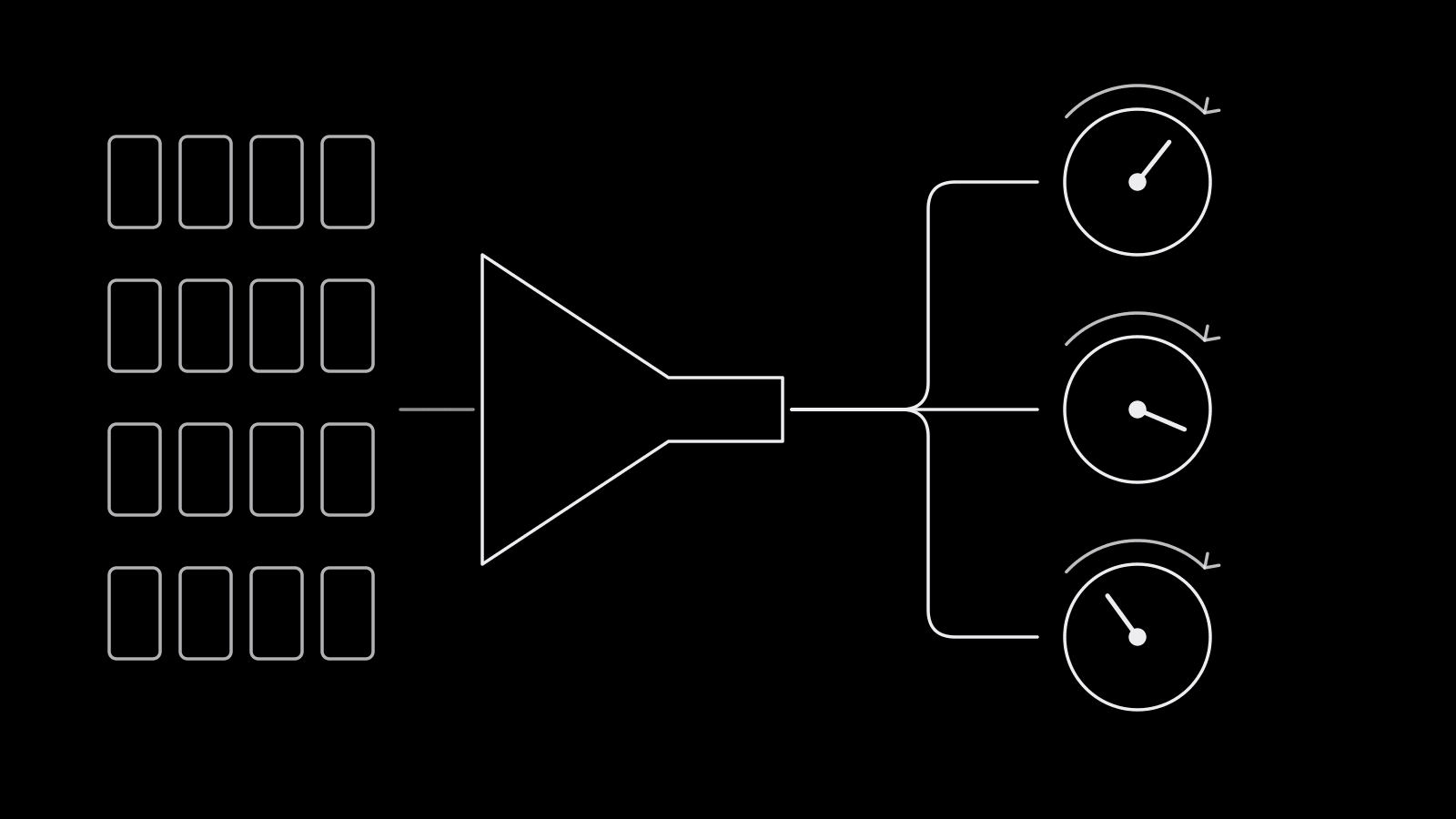
With every module left on automatic, TikTok takes over five decisions:
- Budget allocation. An automatic campaign budget spreads spend across ad groups, similar to Meta's Advantage campaign budget.
- Targeting. Automatic targeting finds the audience from your conversion signal, with optional audience controls (location, age floor, language, exclusions) acting as limits rather than a definition.
- Placements. Automatic placement is the default across TikTok and its placement network.
- Creative combination. Ads are generated from combinations of your videos and ad texts, and TikTok shifts delivery toward the best-performing combinations.
- Optimization inside the goal. You pick the goal and event; delivery handles the bidding path toward it.
What you still control
The upgraded flow gives back most of the levers experienced buyers missed in the original Smart+:
- Budget strategy. Choose automatic campaign budget, or ad group budgets if you want different spend and bidding per ad group. With the automatic campaign budget, TikTok requires the same optimization location, goal, event, and target CPA across ad groups.
- Optimization goal and event. Value, conversion, landing page view, or click, depending on objective, and which pixel or Events API event to optimize for.
- Bid strategy. Maximum delivery, cost cap, or value-based options where available.
- Targeting. Switch to custom targeting for full manual control, or keep automatic targeting with audience controls as guardrails. The TikTok ads targeting guide covers which constraints are worth setting.
- Placements. Select placements yourself instead of the automatic default, plus brand safety settings.
- Creative. You decide which videos, Spark posts, and texts go into each ad, and you can run several ads per ad group with different destinations or creative sets.
- Catalog. Turn catalog use on or off for objectives that support it.
The practical takeaway: Smart+ is now a set of automation defaults, and you decide how many to accept.
Creative volume is the real requirement
Automated delivery only works if it has something to choose between. A Smart+ ad with two videos gives the system almost nothing to learn from, and it will fatigue fast because TikTok feeds burn through creative quickly.
TikTok's limits here are generous and have changed several times during 2026, with support for dozens of creatives per ad. You do not need to hit the ceiling, but you should plan for volume:
- Start with several distinct concepts per ad, not several cuts of one concept. Different hooks, formats, and creators give the system real variety.
- Mix sources. Spark Ads from creator or brand posts often perform differently from uploaded videos; our Spark Ads guide covers how to get authorization codes.
- Refresh on a schedule. Add new creatives into the ad weekly or biweekly instead of waiting for performance to drop. Watch for creative fatigue signals: rising CPA with stable CPM.
- Meet the specs first. Vertical 9:16 video with sound is the default; check the TikTok creative specs before loading a batch.
- Name everything. When TikTok mixes creatives inside one ad, a naming convention is the only way to read creative-level results cleanly.
When manual still wins
Automation works best with steady conversion volume and broad markets. There are still cases where switching modules to manual is the better call:
| Situation | Why manual helps |
|---|---|
| Low conversion volume | Automatic targeting has too little signal and wanders; tighter setup limits waste |
| Clean creative tests | You need fixed audiences and budgets per variant to read a winner fairly |
| Strict geographic or age requirements | Regulated offers need hard limits, not suggestions |
| Budget pacing across markets | Separate ad group budgets for US, UK, Canada, and Australia keep spend where you planned it |
| Placement or brand safety constraints | Some brands cannot appear on every placement |
A common pattern in 2026: run Smart+ with automatic targeting and placements for scaling, and keep a partially manual campaign for testing new concepts at fixed budgets. Promote winners from the test campaign into the scaling campaign, the same way many Meta accounts pair a testing structure with Advantage+ sales campaigns.
Frequently asked questions
What is a TikTok Smart+ campaign?
Smart+ is TikTok's automated performance campaign setup. It can automate budget allocation, targeting, placements, and creative combinations, and since the 2026 upgrade you can turn each of those modules on or off, making a campaign fully automated, partly automated, or fully manual.
Which TikTok objectives use Smart+?
TikTok's help center lists Sales, App Promotion, Lead Generation, and Traffic for the upgraded Smart+ experience. Web conversion and app campaigns now build as Smart+ within Sales and App Promotion. Availability can still vary by account.
Can you still run manual campaigns on TikTok?
Yes. Manual control now lives inside the Smart+ flow: choose ad group budgets, custom targeting, and selected placements to build what is effectively a manual campaign for the supported objectives.
How many creatives should a Smart+ campaign have?
More than most buyers start with. Load several distinct concepts per ad rather than a single video, then add fresh creatives on a regular schedule so automation always has new options to test.
Is Smart+ better than manual campaigns?
For accounts with steady conversion volume and plenty of creative, automated modules usually match or beat hand-tuned setups with less work. For low-volume accounts, strict targeting requirements, or clean creative tests, keeping some modules manual is still the safer choice.
Smart+ rewards teams that ship a lot of good creative. upload.ad gets whole batches of approved videos and Spark posts into TikTok Smart+ ad groups in one step. Start free.
Veikka Grundström, Founder
I build upload.ad, the creative library and review workflow media buying teams use to get ads from edit to live on Meta and TikTok. I write about the parts of that job that waste the most time: creative testing, platform specs, review approvals, and the API behaviour nobody documents properly.