Blog / · 7 min read
TikTok ad rejected? Common reasons, fixes, and appeals
 Veikka Grundström Founder, upload.ad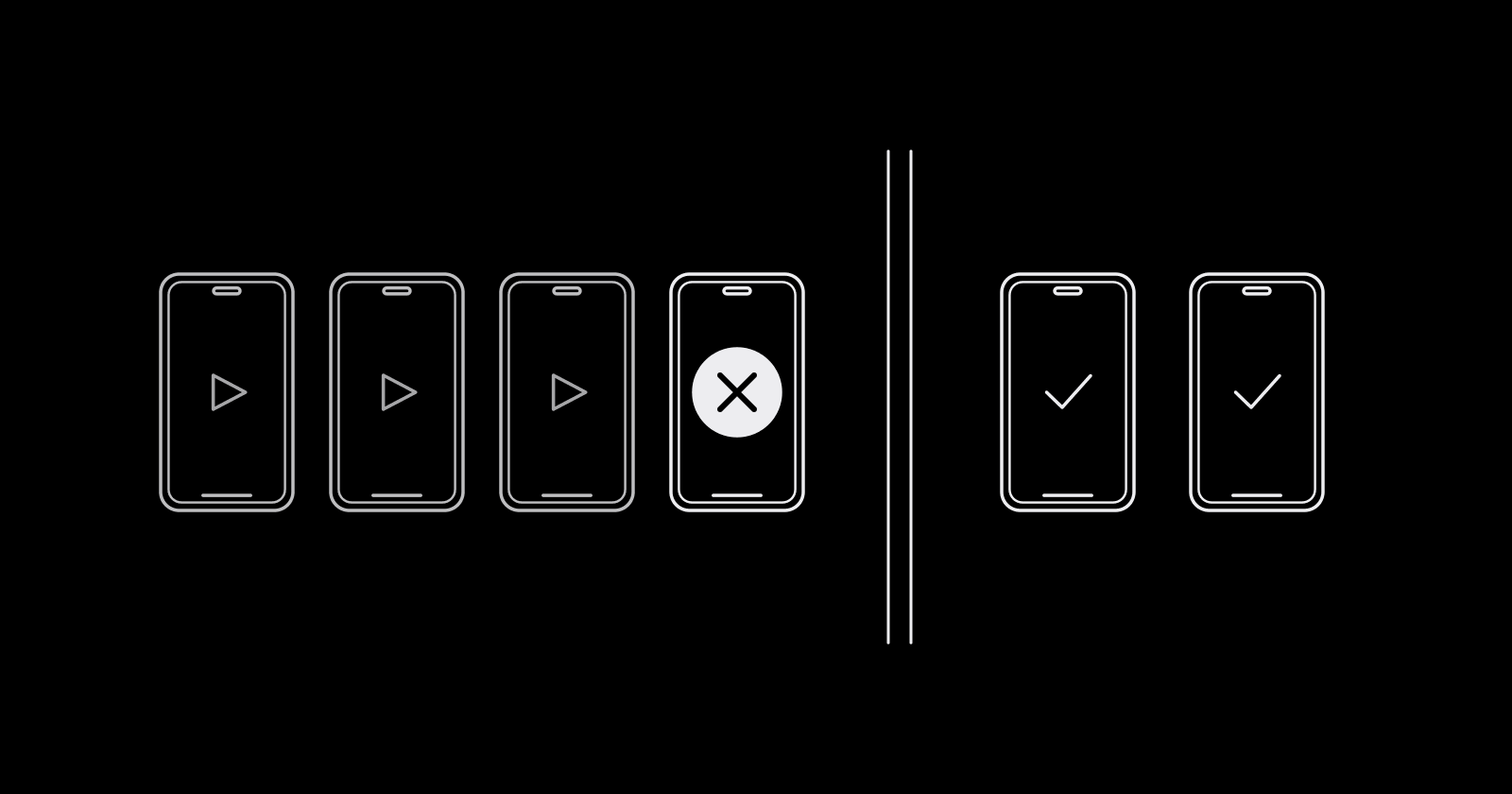
On this page
A rejected TikTok ad costs more than the review delay. The ad group sits at "Not delivering", the launch date slips, and the rejection note is often one vague line that could mean five different things. Most rejections come from a short list of repeat causes, and nearly all of them are visible before you hit submit.
How TikTok ad review works
Every ad goes through review before it delivers, and again whenever you change the creative, the targeted locations, or the landing page. TikTok says most ads are reviewed within 24 hours, sometimes longer.
Review happens in two layers:
- Industry entry review. Is the product or service allowed in the regions you target? TikTok sorts industries into prohibited (not allowed anywhere, such as tobacco, weapons, and political ads), restricted (allowed only in some regions or with conditions, such as financial services or dating), and allowed.
- Creative and landing page review. Is this specific ad, its text, audio, display name, and destination, within policy for the target market?
So the same ad can pass in one country and fail in another. Restricted categories often need qualifications (licenses or authorization documents) per region, and requirements differ between the US, UK, Canada, Australia, and the EU.
When an ad is rejected, you will see the ad or ad group at Not delivering, Limited delivery, or Pending. Hovering the status and clicking View more shows the policy reason.
Common rejection reasons, by family
| Family | What triggers it | Typical fix |
|---|---|---|
| Landing page | Broken or slow page, under construction, auto-downloads, content gated behind personal info, not mobile-friendly | Fix the page, then resubmit |
| Ad and page mismatch | Product, brand, price, or offer in the ad differs from the page | Align the ad copy, visuals, and display name with the page |
| Prohibited or restricted | Product not allowed in the region, or restricted without the required qualification | Remove the region, submit qualifications, or change the product advertised |
| Misleading claims | Before-and-after comparisons, absolute claims ("#1 in the world"), exaggerated results | Soften claims, add substantiation or a disclaimer |
| Creative quality | Low resolution, letterboxed footage, no audio, fake UI elements, gimmicky spelling | Re-export native 9:16 with clear audio |
| Language and targeting | Ad or page language does not match the targeted region, age targeting wrong for the category | Match languages to regions, fix age settings |
| Intellectual property | Unlicensed music, logos, or trademarks you are not authorized to use | Use cleared audio, upload authorization documents |
Landing page problems
TikTok reviews the destination as seriously as the video. Pages that are expired, under construction, or incomplete get rejected, and so do pages that automatically download a file, force a separate app install to see the main content, or ask for sensitive details (financial, health, or government ID information) just to get in. The page also has to work on mobile networks in every targeted market, so a geo-blocked page can fail even though it loads fine at your desk.
Ad and landing page mismatch
The most avoidable family. TikTok's own examples: the ad shows product A while the page shows product B, the caption says "up to 50% off" while the image says 30%, or the display name promotes a lotion while the page sells shampoo. Every element (caption, video, CTA, display name, app name) has to agree with what the user lands on.
Misleading claims
Before-and-after imagery, instant-result promises ("slim legs right away"), absolute superlatives, and disparaging price comparisons against named competitors are all called out in TikTok's policy guidance. Health, beauty, and finance get the strictest reading.
Creative quality
TikTok requires audio on video ads, so silent video is an easy rejection. Blurry, upscaled, or letterboxed footage reads as low quality. "Swipe up" instructions, on-screen mouse cursors, and symbol-stuffed or deliberately misspelled copy also get flagged. The TikTok ad specs guide covers the export settings that avoid most of this.
Language and targeting mismatch
Audio, on-screen text, and landing page language must suit every targeted region; an English-only ad and page served to a multi-country EU ad group is a recurring cause. Restricted categories may also require a minimum age setting; leaving age at the default can get them rejected.
How to fix or appeal a rejected TikTok ad
If the rejection is correct, editing is faster than arguing.
To edit: open the Campaign tab, find the rejected ad, read the reason under View more, change what it names, and resubmit. The edit starts a fresh review.
To appeal (when you believe the ad complies):
- In the Campaign tab, hover the Not delivering, Limited delivery, or Pending status on the ad group or ad.
- Click View more, then Appeal.
- Pick an appeal reason and write the description (required, up to 2,000 characters). Be specific: name the policy, explain why the ad complies, and point to evidence.
- Attach supporting material if you have it: up to 5 files, PNG, JPG, or PDF, 10 MB each. Licenses, trademark authorization, and substantiation for claims belong here.
- Wait for the result by email or in the status detail. TikTok aims to respond within 24 hours.
Rules worth knowing: file one appeal per incident, you cannot edit the ad while the appeal is in review, the whole ad group is re-reviewed even if you appeal a single ad, and once an ad group has been appealed the button is no longer available for it. If it fails, go to your account rep or TikTok support. Suspended accounts cannot appeal this way at all.
Repeated violations can escalate from ad rejections to account restrictions, the same dynamic covered in Facebook ad account restricted.
Pre-flight checklist
Run this before submitting, especially for new offers or new regions:
- Product is allowed in every targeted region, and qualifications are uploaded for restricted categories
- Landing page loads fast on mobile, is complete, and asks for nothing sensitive to get in
- Price, offer, product, brand, and display name match between ad and page
- No before-and-after, absolute claims, or guaranteed results
- Native 9:16, sharp source footage, no letterboxing
- Clear audio from the Commercial Music Library, licensed tracks, or original sound
- No "swipe up", fake buttons, cursors, or QR codes
- Ad and page language suit each targeted region
- Age targeting meets the category's minimum
- Authorization documents on file for any third-party brand or IP
Teams that review creatives internally before launch catch most of these in minutes; a shared creative review workflow is where this checklist is easiest to enforce. If an ad clears review but still does not deliver, that is a different problem, covered in TikTok ads not spending.
Frequently asked questions
Why was my TikTok ad rejected?
The most common reasons are a landing page that is broken or does not match the ad, misleading or absolute claims, a product that is prohibited or restricted in the targeted region, low-quality or silent video, and language that does not fit the targeted market. Hover the ad's status in Ads Manager and click View more to see the specific policy.
How long does TikTok ad review take?
TikTok says most ads are reviewed within 24 hours, though some take longer. Editing the creative, targeted locations, or landing page triggers a new review on the same timeline.
How do I appeal a rejected TikTok ad?
In the Campaign tab, hover the ad group or ad status, click View more, then Appeal. Choose a reason, write a description of up to 2,000 characters, and optionally attach up to 5 supporting files. TikTok aims to reply within 24 hours by email and in Ads Manager.
Does TikTok reject ads without music?
TikTok requires clear audio on video ads, so a silent video is likely to be rejected. The audio must also be cleared for commercial use, such as tracks from the Commercial Music Library or your own original sound.
Rejections are cheapest to fix before launch. upload.ad gives your team one place to review creatives against the checklist and send the approved batch straight to TikTok and Meta. Start free.
Veikka Grundström, Founder
I build upload.ad, the creative library and review workflow media buying teams use to get ads from edit to live on Meta and TikTok. I write about the parts of that job that waste the most time: creative testing, platform specs, review approvals, and the API behaviour nobody documents properly.