Blog / · 6 min read
TikTok ads not spending? 7 causes and a fix checklist
 Veikka Grundström Founder, upload.ad
On this page
You launched the campaign, everything says "Active", and a few hours later spend is still $0.00. TikTok Ads Manager rarely tells you why in plain words, and the status column can look healthy while nothing is delivering. The causes are a short, predictable list, and working through them in order usually finds the problem in minutes.
Start at the top. The list is ordered from the most common and quickest to check, to the rarer account-level problems.
1. Budget or bid is below what the auction needs
TikTok enforces minimum budgets: its help center puts the campaign minimum at $50 per day (daily or lifetime) and the ad group minimum at $20 per day, with lifetime ad group budgets calculated as $20 times the scheduled days. You cannot save below those, but budgets that technically pass can still be too small to compete.
The bigger culprit is bidding:
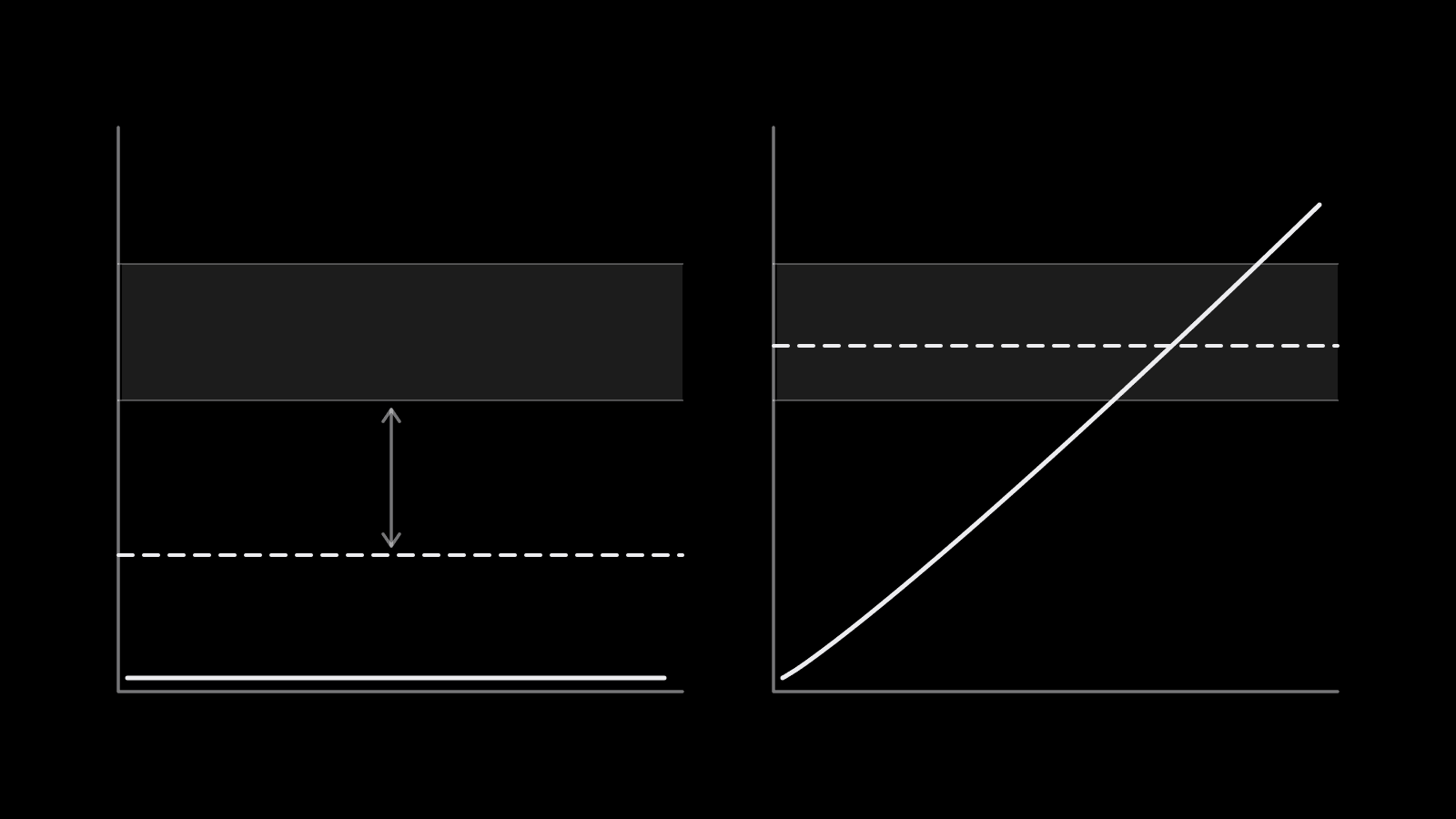
- Cost cap or bid cap set too low. If your cap sits below what the auction clears at, delivery stalls. Impressions trickle in the dozens and spend stays in cents.
- Lifetime budget already spent. A campaign that hit its lifetime budget stops quietly.
- Target CPA unrealistic for the event. Asking for $5 purchases in a category where they cost $40 gives delivery nowhere to go.
Test it by duplicating the ad group with maximum delivery and no cap. If the duplicate spends, loosen the cap by 20 to 30% or stay on maximum delivery until you have data. The TikTok ads cost breakdown gives typical ranges to sanity-check your targets.
2. Ads are still in review or were rejected
A campaign can be enabled while every ad inside it is pending or rejected. Check status at the ad level. TikTok says most ads are reviewed within 24 hours, though some take longer, and any edit to an ad's creative sends it back through review.
Also watch for:
- Recently approved ads. TikTok notes that a freshly approved ad can take time to start accumulating impressions.
- Unavailable assets. If a Spark post was deleted, made private, or its authorization expired, the ad stops delivering even though nothing else changed.
- Rejections. The TikTok ads rejected guide covers the usual policy reasons and how to appeal.
3. Payment and billing
TikTok stops delivery the moment it cannot charge you, and the message in Ads Manager does not always point at billing.
- Manual payment (prepaid): when the account balance reaches zero, ads stop. Top up and delivery resumes.
- Automatic payment: a declined card or expired payment method halts the account until the charge succeeds.
- Incomplete payment setup: on newer accounts, an unfinished billing setup can block delivery and even new campaigns entirely. Ads Manager sometimes shows a banner about the advertising agreement not being effective. In practice, finishing the payment setup under Billing is usually the fix.
Check the account's payment page before assuming anything is wrong with the campaign.
4. The audience is too narrow
Stacking age, gender, interest, behavior, device, and OS filters can shrink an audience until there is almost no one left to reach. TikTok lists "targeting setting is too niche to deliver" as a direct cause of non-delivery.
Fixes, in order of impact:
- Remove interest and behavior layers and let the optimization event do the targeting.
- Widen age ranges and drop device or OS filters unless the product requires them.
- Check exclusions: excluding several custom audiences at once can quietly cut the pool.
- For retargeting, confirm the custom audience is big enough to deliver at all.
Our TikTok ads targeting guide covers when broad beats narrow.
5. Stuck in learning
Ad groups in the learning phase deliver unevenly, and some barely deliver at all. TikTok's help center treats about 50 conversions as the main sign an ad group has passed learning, and it warns that ad groups struggling to reach 20 conversions in their first 10 days are unlikely to pass.
If your budget cannot buy that volume at your CPA, delivery stays timid. Consolidate ad groups so conversions concentrate, raise budget on fewer ad groups, and avoid edits that restart learning. The same math applies on Meta; the Facebook learning phase post walks through it in detail.
6. Pixel or optimization event problems
An ad group optimizing for an event TikTok never sees has nothing to steer by.
- Event not firing. Check Events Manager for recent activity on the event you optimize for.
- Wrong event selected. Optimizing for "Complete payment" when your site only sends "Place an order" leaves the system blind.
- Too few events. A brand-new pixel with no purchase history may need an up-funnel event (add to cart, initiate checkout) until volume builds.
The TikTok pixel and Events API guide covers setup and deduplication.
7. Account status and scheduling leftovers
The last group is less common but stops everything:
| Cause | Where to check |
|---|---|
| Ad account under review | Account status; new accounts are reviewed before delivery |
| Account suspended or restricted | Account notifications and Business Center |
| Start time in the future | Ad group schedule |
| Dayparting excludes current hours | Ad group schedule settings |
| Parent campaign or ad group off | Status toggles at all three levels |
| Audience fatigue | Frequency and CTR trend on older ads |
Audience fatigue is the odd one out: it shows up as delivery slowing over time on ads that used to spend fine. New creative, not setting changes, is the fix.
Quick checklist
Run through this before contacting support:
- Campaign, ad group, and ad all switched on
- Ads approved, not pending or rejected
- Budget above minimums and not exhausted
- Bid cap or cost cap tested against maximum delivery
- Payment method working, or prepaid balance above zero
- Audience estimate not tiny, exclusions reviewed
- Optimization event firing recently in Events Manager
- Account not under review or restricted
- Schedule and dayparting cover the current time
If all nine pass and spend is still zero after 24 hours, duplicate the ad group fresh and contact TikTok support with the campaign and ad group IDs.
Frequently asked questions
Why is my TikTok ad approved but not spending?
The most common causes are a bid or cost cap set below the auction, a budget too small to compete, or an audience that is too narrow. Newly approved ads can also take some time to build impressions. Test with a duplicate on maximum delivery and broad targeting to isolate the cause.
How long does it take for TikTok ads to start spending?
Once approved, ads usually start delivering within a few hours. TikTok says most ads are reviewed within 24 hours, though some take longer, so allow a day from submission before troubleshooting.
What is the minimum budget for TikTok ads?
TikTok's help center sets the minimum at $50 per day at campaign level and $20 per day at ad group level. Lifetime ad group budgets must cover $20 for each scheduled day.
Does a low bid stop TikTok ads from delivering?
Yes. With a bid cap or cost cap below what the auction clears at, TikTok limits or stops delivery. Switching to maximum delivery for a test is the fastest way to confirm it.
Can billing problems stop TikTok ads without warning?
Yes. A zero prepaid balance, a declined card, or unfinished payment setup can all stop delivery, and the Ads Manager message does not always mention billing directly. Check the payment page first.
Many stalled launches are really ad groups that shipped with too few creatives or with ads still stuck in review. upload.ad gets the whole approved batch into your TikTok and Meta ad accounts in one pass, so launch day starts with full ad groups. Start free.
Veikka Grundström, Founder
I build upload.ad, the creative library and review workflow media buying teams use to get ads from edit to live on Meta and TikTok. I write about the parts of that job that waste the most time: creative testing, platform specs, review approvals, and the API behaviour nobody documents properly.