Blog / · 6 min read
Meta business portfolio setup: assets, roles, and security
 Veikka Grundström Founder, upload.ad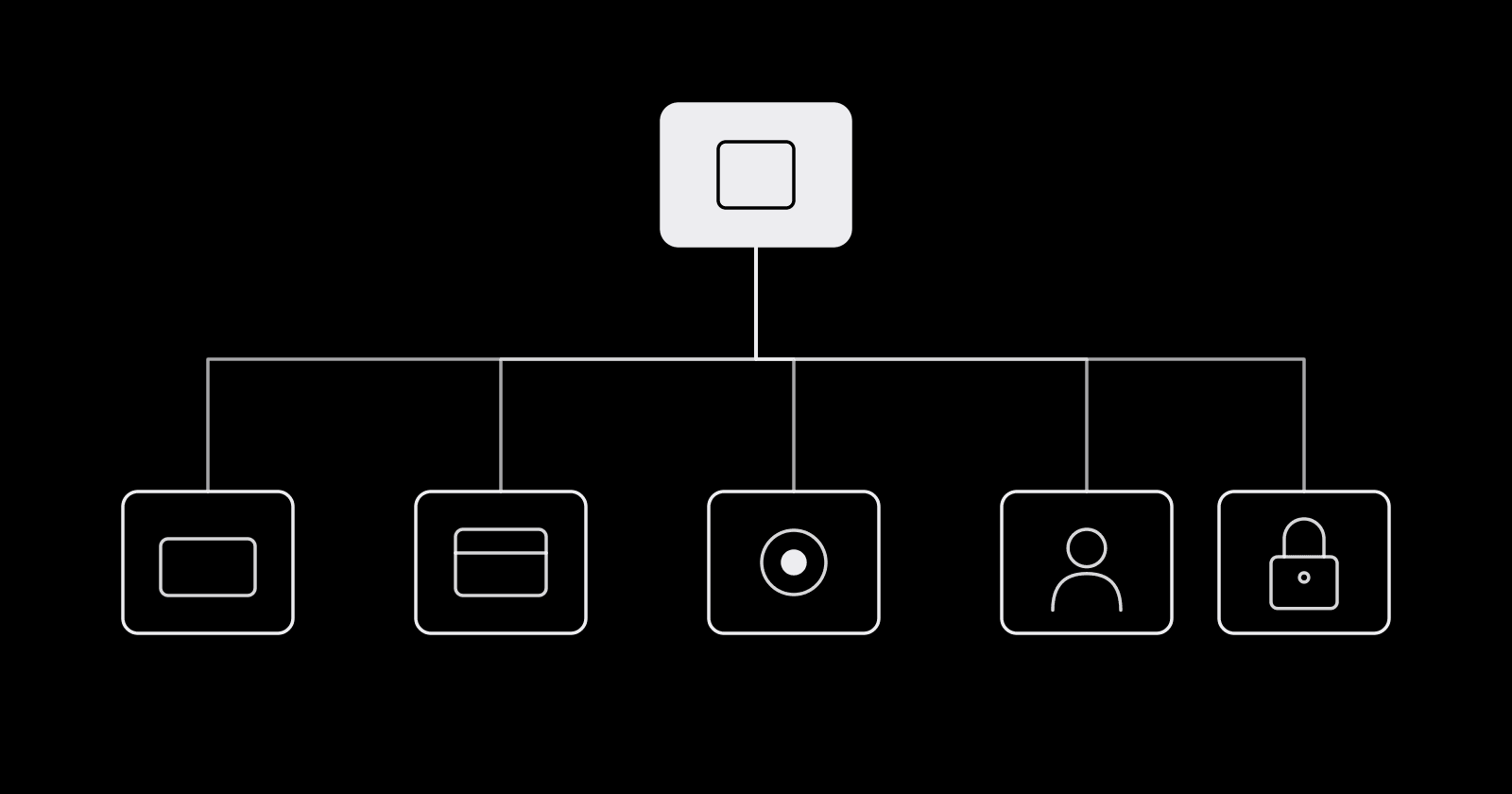
On this page
Most ad account disasters start as setup shortcuts: a Page owned by a freelancer's personal profile, one admin who leaves the company, an agency with full control of an ad account nobody can remember granting. Meta's business portfolio is where all of that is decided, and it is much easier to set up correctly on day one than to untangle after an account gets restricted.
Here is what the business portfolio is now, what belongs in it, how access and roles work, and the setup mistakes that most often end in a lockout.
Business Manager is now the business portfolio
Meta renamed Business Manager to business portfolio. The portfolio is the container that owns your business assets and controls who can touch them. Its settings live inside Meta Business Suite (business.facebook.com), which is also where day-to-day work like posting and inbox management happens.
The role names changed too, which is why older guides read strangely:
| Old Business Manager term | Current business portfolio term |
|---|---|
| Business Manager | Business portfolio |
| Business admin | Full control |
| Employee | Basic access (partial access) |
| Developer | Apps and integrations |
| Finance analyst / editor | Finance access (view or manage) |
| Meta Pixel | Dataset (the pixel now lives inside one) |
You also need one to run ads about social issues or politics, enroll in monthly invoicing, verify your domain, and use publisher block lists.
What a portfolio holds
Assets are the things the business owns. The main ones for media buyers:
- Ad accounts. Where campaigns and billing live.
- Facebook Pages and Instagram accounts. The identities your ads run under.
- Datasets. Your pixel and Conversions API events, used for tracking and optimization.
- Catalogs. Product feeds for catalog and shopping ads.
- Apps. For app promotion and app event tracking.
- Domains. Verified domains you control for link ownership.
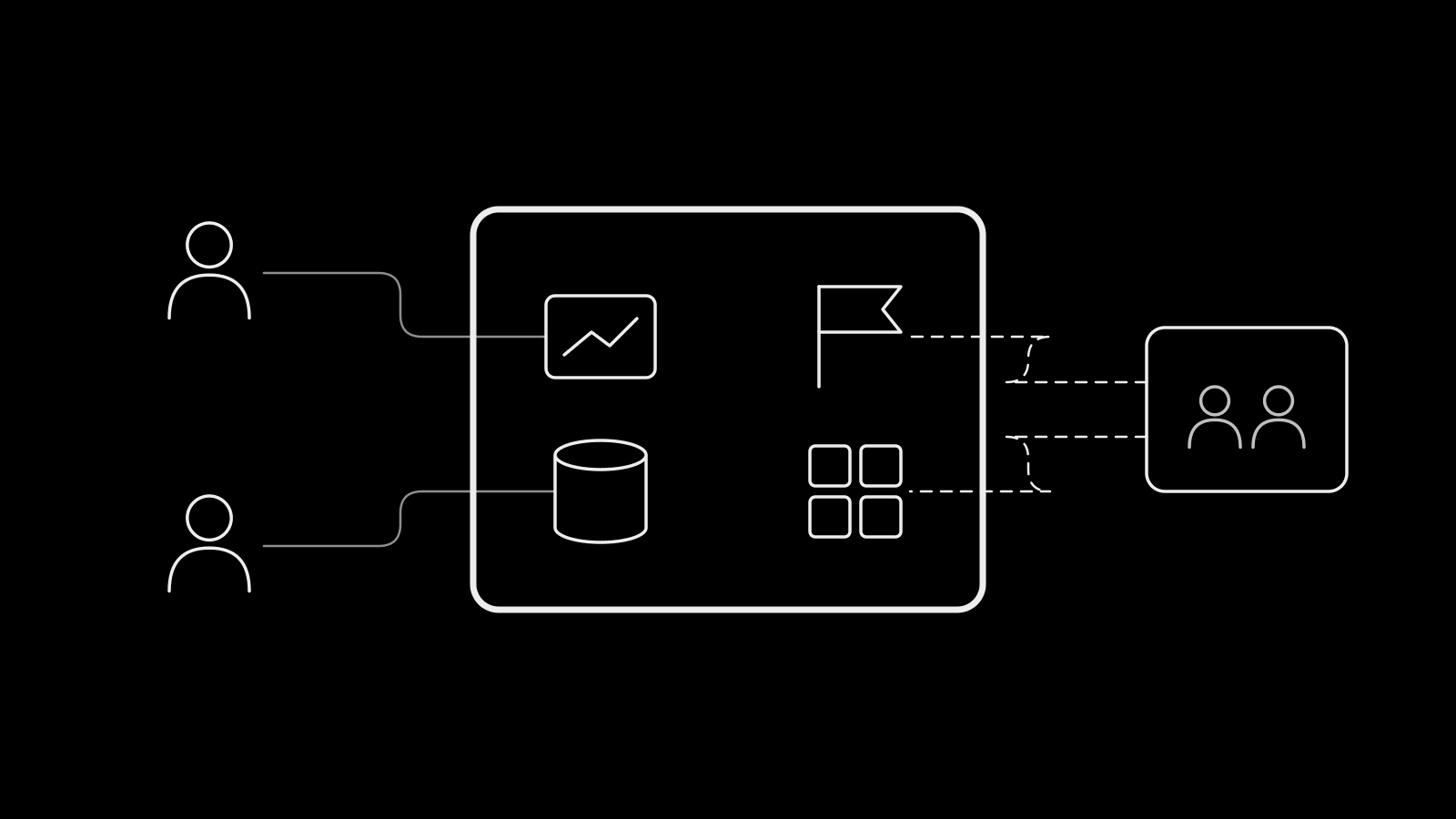
The rule to remember: an asset can belong to only one business portfolio. Everyone else gets access, not ownership. That single rule decides almost every setup question below.
Setting one up, step by step
- Create the portfolio at business.facebook.com from the account switcher. Use your company's public name. Each person can create up to two portfolios, with no limit on how many they belong to, so do not burn creations on tests.
- Add at least two people with full control. Meta recommends two active admins so sensitive actions get a second approval and so the business survives one person losing access.
- Turn on the two-factor authentication requirement in Business portfolio info settings. Choose "Everyone" rather than "Admins only" if you can.
- Claim assets the business should own. Your Page, Instagram account, ad accounts, datasets, and catalogs. If a freelancer or agency created them in their portfolio, get them transferred or request access, but do not duplicate them.
- Add people with basic access and assign only the assets and tasks each person needs.
- Share assets with partners (agencies, contractors' businesses) by their business portfolio ID.
- Verify the business and your domain when Meta prompts you. Verification opens up features and makes the account more resilient during reviews.
People, partners, and permissions
There are two layers of access.
Portfolio level. Full control can manage everything: settings, people, assets, partners, and deleting the portfolio. Basic access (the default for new people) can only work on assets assigned to them. Apps and integrations access covers Conversions API setup, tokens, and apps. Finance access is an add-on to view or manage invoices, spend, and payment methods.
Asset level. Someone can have full control of a single ad account or Page without full control of the portfolio. Partial access on an asset means specific tasks, like managing ads or creating content.
Partners are other businesses. If you are the brand, share assets with your agency's portfolio by its ID, and the agency assigns its own staff. If you are the agency, ask for partner access to the client's assets rather than asking them to add your staff as individuals. Partners cannot re-share an asset they were given, and with partial access they can only pass on the tasks you assigned them.
Temporary access is worth using for contractors: basic access for 3 to 75 days, revoked automatically.
Security settings that matter
Meta's own security guidance for portfolios is specific:
- Require two-factor authentication. Meta may enforce it automatically on some portfolios older than 90 days, and it can restrict advertising access for people who lack it. Authenticator apps and passkeys beat SMS; save recovery codes.
- Keep full control to a small group. Meta suggests ten or fewer people.
- Remove inactive users who have not logged in for 90 days, especially admins.
- Remove users on public email domains who have no clear tie to your business.
- Close ad accounts you no longer use. Dormant accounts are targets.
- Turn on peer approval so a second trusted person reviews ads before they publish.
- Review shared credit lines and who they are shared with.
- Download the people permissions file and business history periodically, and check Security Center for flagged items.
More on account-level security in how we secure your account.
Mistakes that get accounts restricted
Most setup-related restrictions trace back to a short list:
- Compromised admin profiles. One hacked personal account with full control can run unauthorized ads and take the whole portfolio down with it. Two-factor on everyone is the fix.
- Assets owned by the wrong entity. A Page on a former employee's portfolio or an ad account owned by an old agency leaves you unable to appeal or fix billing.
- Shaky payment setup. Failed charges, a card shared across unrelated businesses, or rapid payment method changes on a new account read as risk signals.
- Spinning up new portfolios after a restriction. Creating fresh portfolios and ad accounts to route around an enforcement looks like circumvention and tends to spread the restriction.
- Too many full-control users, including people outside the company.
- Policy volume on new accounts. New portfolios start with limited features. Launching aggressive creative at scale before any history often triggers rejections that stack into account-level problems.
If you are already locked out, the recovery steps are in Facebook ad account restricted.
Frequently asked questions
Is Meta Business Manager the same as a business portfolio?
Yes. Meta renamed Business Manager to business portfolio. It still owns your ad accounts, Pages, datasets, and catalogs and controls who can access them, with settings managed inside Meta Business Suite.
What is the difference between Meta Business Suite and a business portfolio?
The business portfolio is the container that owns assets and access. Meta Business Suite is the tool where you manage it and do daily work like posting, inbox, and insights. You need a portfolio to use Business Suite for a business.
How many business portfolios can I create?
Each person can personally create up to two business portfolios. There is no limit on how many portfolios you can be added to by others.
Should an agency own the client's ad account?
Usually no. Assets can belong to only one portfolio, so the brand should own its ad accounts, Pages, and datasets and share them with the agency as a partner. That way access can be removed without losing the account or its history.
Do I need two-factor authentication for my business portfolio?
It is strongly recommended and Meta requires it automatically for some portfolios older than 90 days. People without two-factor authentication can lose advertising access, so require it for everyone in the portfolio.
A clean portfolio makes every handoff between brand, agency, and editors safer. upload.ad gives the whole team one place to review creative and push it into the ad accounts you connect. Start free.
Veikka Grundström, Founder
I build upload.ad, the creative library and review workflow media buying teams use to get ads from edit to live on Meta and TikTok. I write about the parts of that job that waste the most time: creative testing, platform specs, review approvals, and the API behaviour nobody documents properly.