Blog / · 4 min read
Facebook ads not spending? The 8 causes, in the order to check them
Veikka Grundström Founder, upload.ad
On this page
A campaign that spends badly is a problem you can optimize. A campaign that will not spend at all is a different animal: everything is "Active", nothing is moving, and Ads Manager offers no explanation. The good news is that non-spending has a short list of causes, and you can check all of them in about ten minutes.
Work through these in order; they are sorted by how often they turn out to be the answer.
1. The ads are not actually approved
"Active" at the campaign level says nothing about the ads inside. Check delivery status at the ad level: ads sitting in review, rejected, or scheduled for a future date all show an active-looking campaign that spends nothing. Review usually clears within 24 hours but can take longer, and edits resend ads into review.
While you are there, check for the quieter blocker: an empty ad set. If creatives were still waiting on approval or never made it into the account, launch day ships a shell.
2. Billing failed
A declined card silently halts the whole account. Check the billing section for a failed payment or an unpaid balance; the account resumes spending shortly after a successful charge. Recurring payment failures also feed the risk signals behind account restrictions, so fix the payment method, not just the payment.
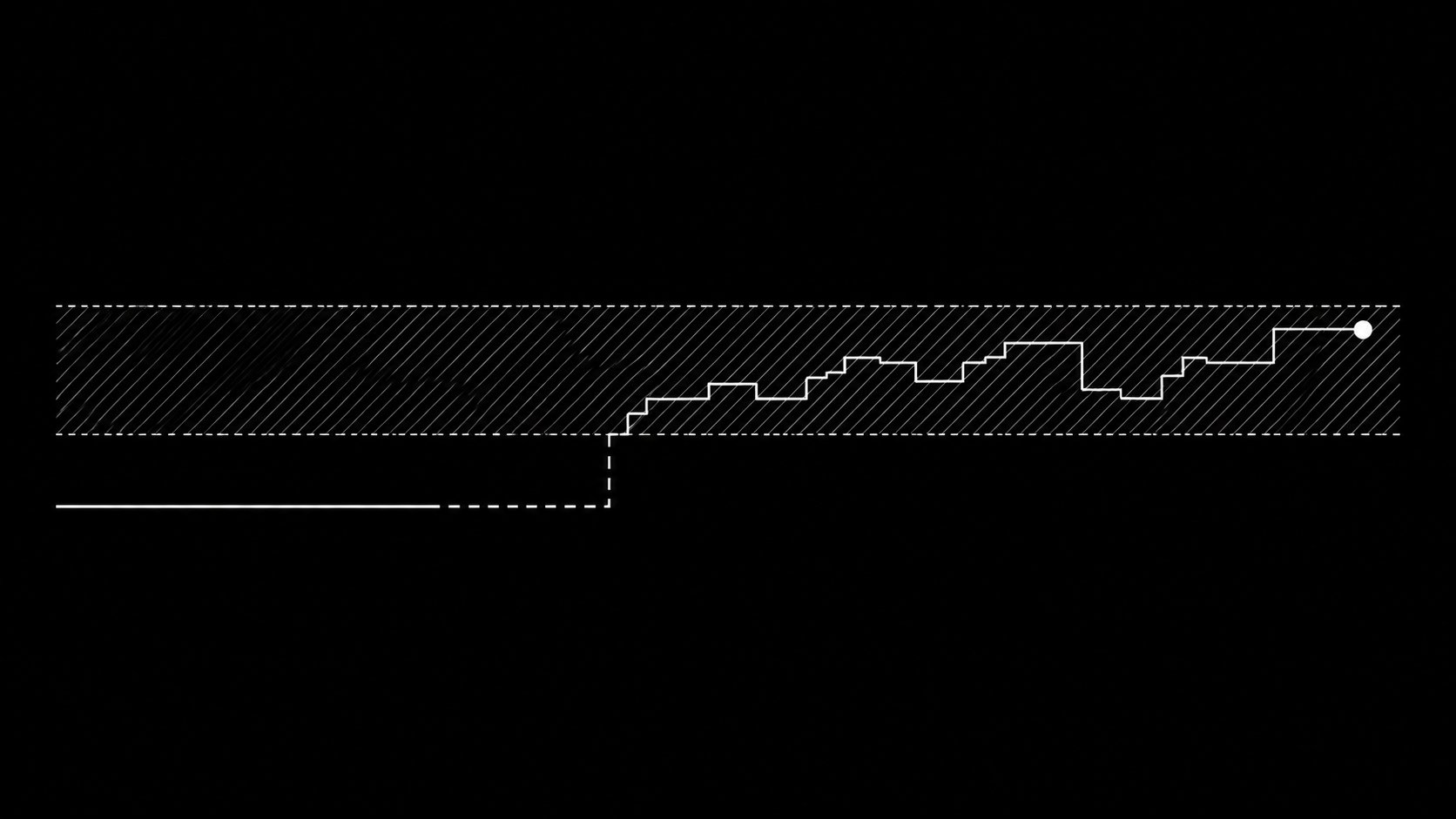
3. Your bid or cost cap is below the market
With cost caps or bid caps, delivery simply stops when Meta cannot buy results at your ceiling. The auction does not negotiate; it skips you. Symptoms: impressions in the dozens, spend in cents.
Test: switch the ad set (or a duplicate) to highest volume with no cap. If it immediately spends, your cap was the throttle. Re-introduce the cap 20 to 30% looser, or accept highest-volume delivery until the account has more conversion data.
4. The audience is too small or overlapped
- Tiny audiences: a retargeting pool of a few thousand people cannot absorb meaningful budget, and delivery may barely start. Check estimated audience size in the ad set.
- Exclusion mistakes: stacked exclusions (purchasers, engagers, three lookalikes) can carve an audience down to nearly nothing without the UI complaining.
- Auction overlap: multiple ad sets targeting the same people compete against themselves; Meta pauses the weaker ones' delivery. The Audience Overlap tool confirms it. Consolidation fixes it, and helps the learning phase too.
5. Learning limited with an impossible optimization event
If the ad set optimizes for purchases but the account has no purchase history and the budget supports two conversions a week, delivery has nothing to steer by and often just... hesitates. Move the optimization event up-funnel (add-to-cart, initiate checkout) until conversion volume exists, then step back down. The 50-events-in-7-days math is the reference here.
6. Spend limits you forgot about
Three different ceilings can each stop delivery cold, and people usually remember only two:
| Limit | Where |
|---|---|
| Campaign spending limit | Campaign settings |
| Account spending limit | Billing settings, stops everything when reached |
| Campaign budget too low to compete | CBO with many ad sets splitting a small budget |
The account spending limit is the classic: set once as a safety rail a year ago, hit quietly on a Tuesday.
7. Low-quality or restricted-category friction
Ads flagged into special ad categories (housing, credit, employment, politics) get restricted targeting and sometimes stall if the declared category and the targeting conflict. Separately, ads with very poor quality rankings can receive minimal delivery even when approved. If one specific ad never spends while its siblings do, quality is the suspect: replace it rather than nursing it.
8. Scheduling and structural leftovers
Unglamorous but real: ad set end dates in the past, dayparting windows that exclude current hours, paused parent campaigns with active children (or vice versa), and rules someone created that pause things at midnight. Check the campaign, ad set, and ad level all three; delivery requires the full chain on.
Still nothing?
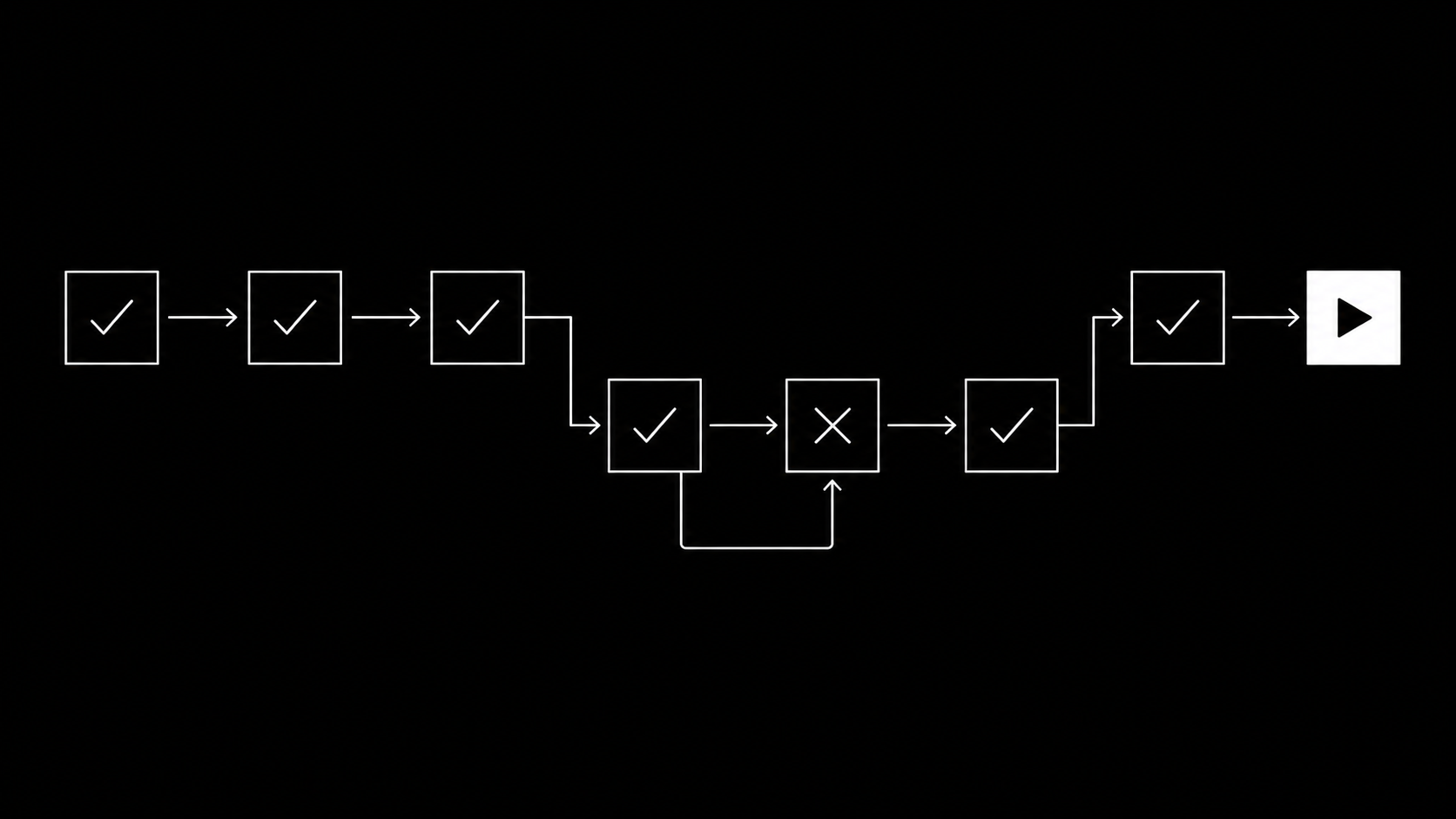
If all eight check out and spend is still zero after 24 hours, duplicate the campaign fresh (odd delivery states occasionally stick to an object) and contact Meta support with the campaign IDs. But that is rare; in practice, the first three items on this list explain the large majority of "my ads are not spending" cases.
Frequently asked questions
Why are my Facebook ads active but not spending?
Most commonly: ads still in review or rejected at the ad level, a failed payment, or a bid/cost cap set below what the auction clears at. Those three cover most cases; the checklist above covers the rest.
How long does it take for Facebook ads to start spending?
Approved ads normally begin delivering within a few hours. Review itself is typically under 24 hours. Slow ramp in the first days is normal learning-phase behavior and different from zero spend.
Does the learning phase stop ads from spending?
No, learning is when Meta spends most eagerly. But an optimization event the account cannot plausibly reach can produce near-zero delivery; choose an event your budget can feed.
Should I delete and recreate a campaign that will not spend?
After the checklist, a fresh duplicate is a legitimate last resort and often works. Recreate, do not endlessly edit: every edit resends review and resets learning.
Half of "not spending" cases start with creatives that never made it into the account on time. upload.ad gets the whole approved batch into Meta and TikTok before launch day. Start free.
Veikka Grundström, Founder
I build upload.ad, the creative library and review workflow media buying teams use to get ads from edit to live on Meta and TikTok. I write about the parts of that job that waste the most time: creative testing, platform specs, review approvals, and the API behaviour nobody documents properly.