Blog / · 8 min read
How we secure your ad accounts
Veikka Grundström Founder, upload.ad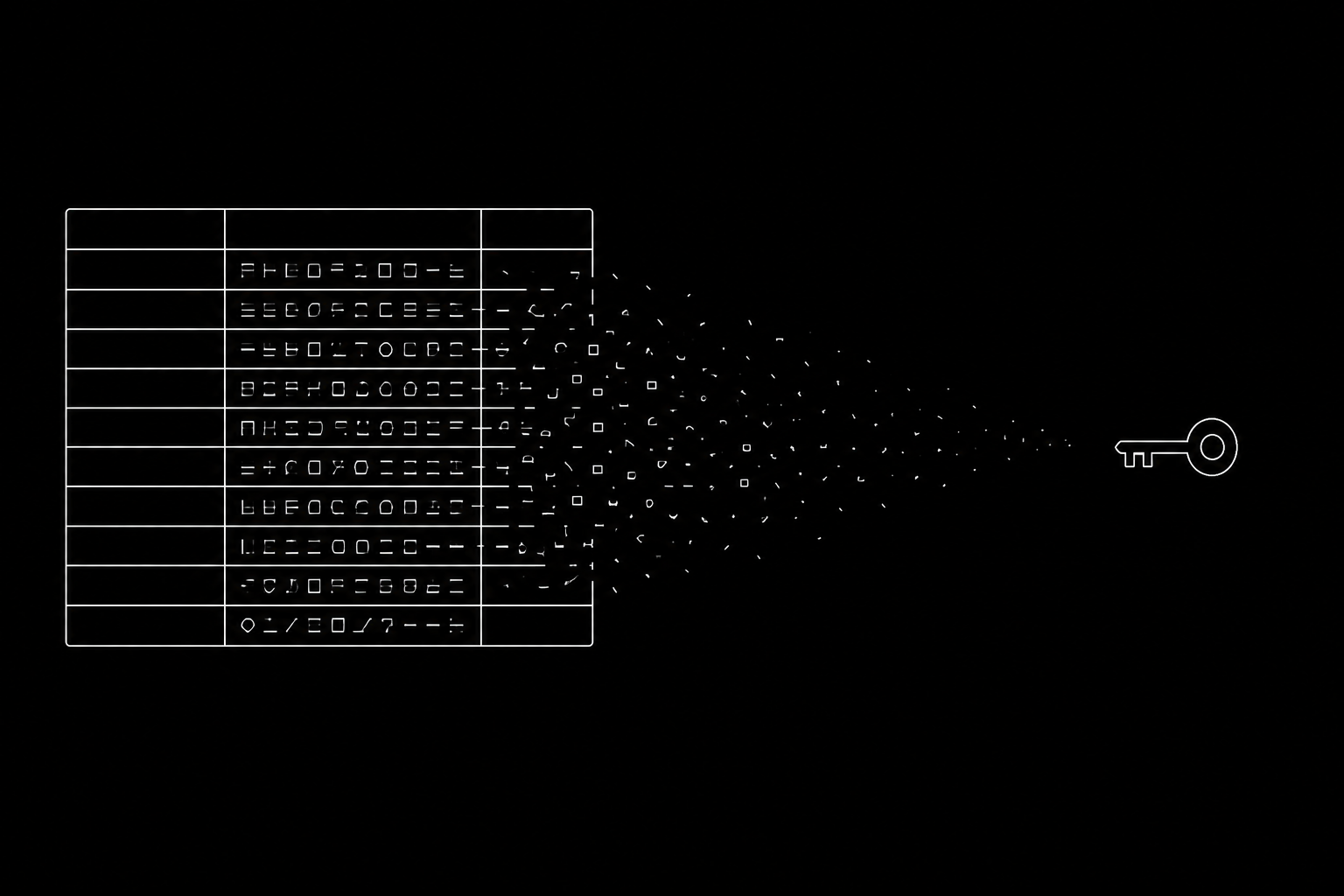
On this page
Here is everything our database knows about my own Facebook ad account:
enc:v1:B/DKGTnvmIOCIVjzQnjOjRIRrglgcsOYVYEjr/gcppKkkJMixrH+RuUoS/vwQSFkOSyOkVrmd4oAvsIW+G/ykWNu9r9Myosm2+68Hxkjlbe7uoY+2pNxrq17QYFBFiGknJ1Un3HJYWK56PRtJm1yGe3tEfkwWuoarEkF58X1A/HdpHrANsOwSieYNQ9hd8/ADmqsS9LQBC7wzq/TWyqSeNQJbRFFJp59x5tWpM2VGQjj2tnxRAfwESnR1p0iRxwvVwzASwnr9oOtu7Pn8gfENs9vLZE2OdgniR75Lr20We72jnzyh83pcAIcbGt4QIRrqjxD8us=That is the whole row, and the copy button hands you every character of it.
It is not a sandbox account. It is the live connection to the account I actually buy media from, campaigns delivering against it while you read this, and a working key for it would let a stranger spend my money before lunch. It is published on purpose: the honest way to answer "is my ad account safe with you" is to show you what somebody who stole our entire database would walk away with.
Nothing here puts your ad account at risk
Ad tools get accounts banned for two ordinary reasons.
The first is how they work. A robot logs into Facebook as you, in a browser, and clicks around Ads Manager on your behalf. Meta sees a login from an odd place doing things faster than a person can and shuts the account down. Same for tools that ask for your password or share one login between ten people.
The second is that the tool was never approved. Meta reviews apps before letting them work on real ad accounts, and plenty skip that, running on a half-finished app that was never submitted and hammering whatever they can reach. The accounts attached to it get caught in the cleanup.
upload.ad went through Meta's full app review and came out approved, and the same with TikTok. Every permission the product uses was requested, examined and granted by them. In practice:
- You log in on Facebook's own page, not ours. We never see your password.
- Facebook shows you what we are asking for, and you approve it. That is the outer limit of what we can ever do.
- Nothing clicks around a browser pretending to be you. No headless browser, no scripts driving Ads Manager, no automation dressed up as a human session.
- Meta and TikTok can see it is us. Every request is stamped as coming from our approved app, and we stay inside the limits they set for it.
Accounts still get restricted for the usual reasons, policy, billing, a creative Meta does not like, and we wrote a separate guide on that. The tool itself is not one of them.
If our database leaked tomorrow
When you approve us, Facebook hands us an access token: a long random string that lets us do the things you approved and nothing else, like a key cut for one door. Everything below is about where that string lives and who can read it.
So assume the bad day. Someone walks off with a full copy of our database. What they get is your name, your email, your folder names, and a column of strings like the one at the top of this page.
Tokens are scrambled before they are written, not after. Every token we hold, Meta and TikTok and Google Drive and Dropbox alike, is encrypted with AES-256-GCM on its way into the database, never written down readable and cleaned up later.
The key lives somewhere the database cannot see. It sits as an encrypted secret in our hosting platform, generated and piped straight in without ever touching a file. No .env file, no copy in a password manager, no line in a chat message.
Readable tokens exist for a few milliseconds. A token is unlocked for the length of a single call and then gone. Nothing readable is written to disk, and nothing readable goes into a log, which is how tokens usually escape: not stolen, just copied into a debugging trail somebody forgot about.
It breaks loudly instead of degrading quietly. Production refuses to start without a valid key, and the code refuses to read any token that is not encrypted. There is no "if unlocking fails, try reading it as plain text" path.
What we will not tell you is that not even we can see your data. Our servers have to call Meta on your behalf, sometimes at three in the morning while a scheduled upload runs, so our code holds an unlocked token at that moment and anyone who can deploy it could reach one. That is true of any tool that acts on your ad account for you. The claim we do make is narrower: a database breach alone yields nothing usable.
The freelancer you onboarded in March
Most of what goes wrong in media buying is not a hacker. It is access. Teams hand tools to editors, contractors and client-side reviewers constantly, and then people move on and the access does not.
Scope people to folders, and the server enforces it. A member can be limited to specific folders, descendants included. This is not hidden buttons: guessing the URL of a folder outside your scope returns a refusal, and the same check runs on the file itself, so the video cannot be pulled directly either.
Scope people to ad accounts. Access is loaded only for the accounts a member is allowed to touch, so picking an out-of-scope account does not quietly work anyway.
Permissions are finer than roles. On top of owner, admin and member sit separate grants for uploading, editing, commenting, approving, deleting, importing, creating share links, viewing ads, creating ads, activating ads and changing budgets. The editor who should never be able to raise a budget cannot raise a budget.
One compromised admin cannot clear out the team. Only the owner invites admins or changes roles, and an admin cannot remove another admin unless the owner demotes them first.
Removing someone is immediate and total. It revokes every key they created in that workspace, disconnects any AI client pinned to it, and drops their live sessions on the spot. There is no window where the app has removed them but a script of theirs keeps working.
Links you send to clients
A review link is the one thing that leaves your control the moment you send it. It gets forwarded, and it sits in a thread with the agency that pitched against you last quarter.
If you password-protect a link, that password is stored scrambled and slow on purpose, so guessing at it costs an attacker real time per attempt even with the database in hand. The unlock a reviewer gets is derived from the password, so changing it invalidates every unlock already handed out rather than trusting them to close the tab.
Expiry and revocation are re-checked on every request rather than only when the page loads, and every file request is matched against the link's scope, version history included.
There is no password to steal
Most breaches are boring: someone reuses a password, it turns up in a dump from an unrelated site, and the attacker walks through the front door.
Accounts here are passwordless. You sign in with a six-digit code emailed to you, good for ten minutes and one use, or with a passkey using Face ID, Windows Hello or a hardware key, which will not authenticate against a lookalike domain no matter how convincing the email was. We store no password, so there is nothing to crack and nothing you might have reused elsewhere.
Two-factor is codes from an authenticator app plus single-use backup codes. We deliberately do not offer email as the second factor, because the first factor is already an emailed code. Owners can require two-factor from everyone in a workspace, enforced everywhere rather than only at the sign-in screen.
If someone gets your session anyway
Assume an attacker has your logged-in session, cookie and all. On a lot of products that is the end of the story, because the session alone can change the email address, switch off two-factor and lock you out. Here, every action that would lock you out demands something the session does not have.
| Action | What it also requires |
|---|---|
| Turn off two-factor | A current code from your authenticator |
| Re-enroll a new authenticator | A current code from the old one |
| Remove a passkey | A current code from your authenticator |
| Generate new backup codes | A current code from your authenticator |
| Change your sign-in email | Approval at your current address |
| Delete the account | A confirmation link sent by email |
When a sign-in email change does go through, the old address is notified afterwards, so even a successfully phished approval leaves a trail at the address the attacker no longer controls. A sign-in from a browser or network we have not seen before also emails you and lands in the workspace activity log.
Keys and AI assistants
A key is stored scrambled and shown to you exactly once, after which even we can only see the first four characters, enough to tell your keys apart in a list. It is never more powerful than the person who made it: it runs with the intersection of its own scopes and its creator's permissions, and it dies with their membership.
AI assistants connect through a consent screen that cannot be skipped, and their access is pinned to the workspace you approved rather than following whichever workspace you happen to open next.
What we can actually do with your ad account
When you connect Meta, we ask permission to read and manage ads, to read your Pages and Instagram accounts and the comments on your ads, and to retrieve leads. That is what lets the product upload creatives, build and edit ads, pull performance numbers, and put comments in one place. We cannot log in as you, see your Facebook password, post to your personal profile, or touch anything outside that list. Payment methods stay with Meta.
Facebook's own settings let you revoke our access whenever you like, without asking us or waiting for us, and the moment you do, our access stops working. The permission was always yours.
If you want to check any of this before you connect an account, or you think we have something wrong, tell us.
Veikka Grundström, Founder
I build upload.ad, the creative library and review workflow media buying teams use to get ads from edit to live on Meta and TikTok. I write about the parts of that job that waste the most time: creative testing, platform specs, review approvals, and the API behaviour nobody documents properly.