Blog / · 4 min read
How to use the Facebook Ad Library for competitor research
Veikka Grundström Founder, upload.ad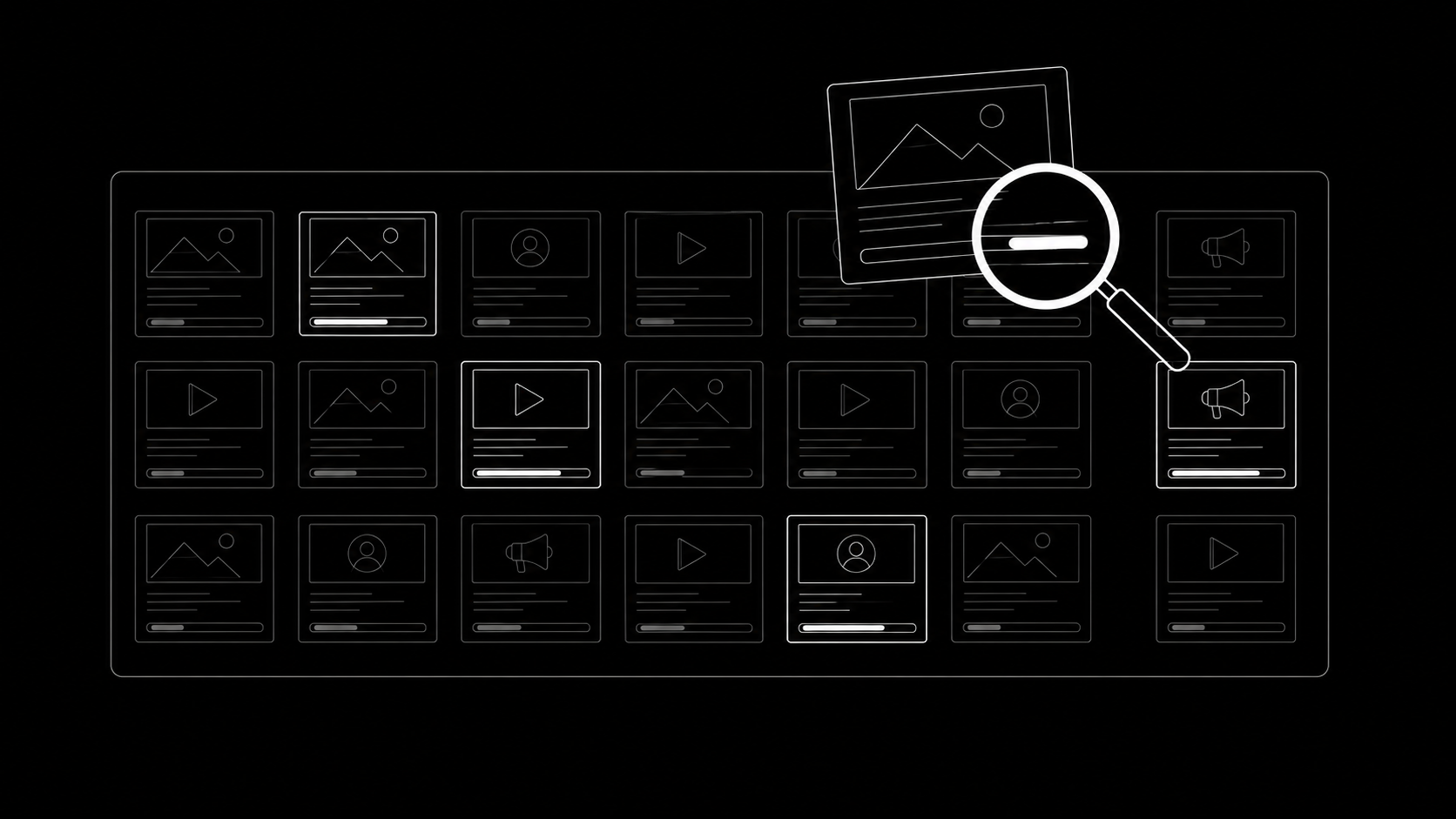
On this page
Meta runs the largest public database of live advertising on the internet, and most media buyers use maybe a tenth of it. The Facebook Ad Library shows every active ad from every page across Facebook and Instagram, free, no login required. Used properly, it answers the two questions that matter before you brief a single creative: what are competitors testing right now, and what have they kept running long enough that it must be working.
Here is how to actually extract that, beyond typing a brand name and scrolling.
The basics in 60 seconds
The Ad Library lives at facebook.com/ads/library. Pick a country, choose "All ads", and search by advertiser name or keyword. Every result is an ad currently running (or, for special categories like politics, a permanent archive), with its start date, the platforms it runs on, and its creative in full.
You are seeing what Meta is legally required to show for transparency; there is nothing gray-area about using it. Every serious team does.
Reading a competitor like a testing log
The real skill is treating a competitor's Ad Library page as their testing history, because that is what it is.
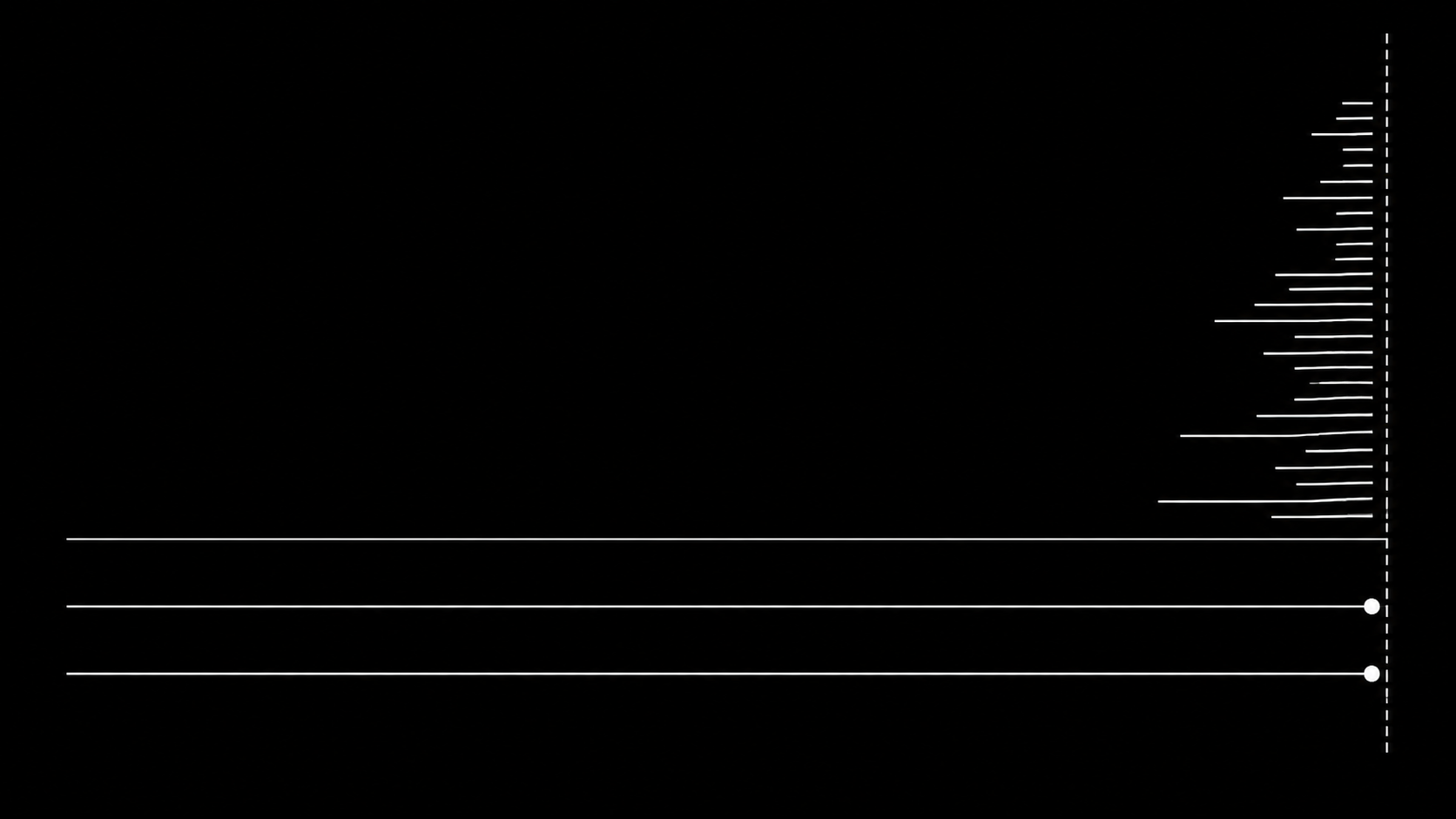
Run duration is the strongest signal
Sort mentally by start date. An ad live for 3+ months is paying for itself; nobody lets losers spend for a quarter. Those long-runners are the competitor's proven concepts, the ones worth studying frame by frame: the hook, the angle, the offer structure, the landing page it clicks through to.
Ads that appeared recently in a large batch are this month's tests. Most will be gone in two weeks, which is information too: check back and note which survived.
Variant count shows where the money is
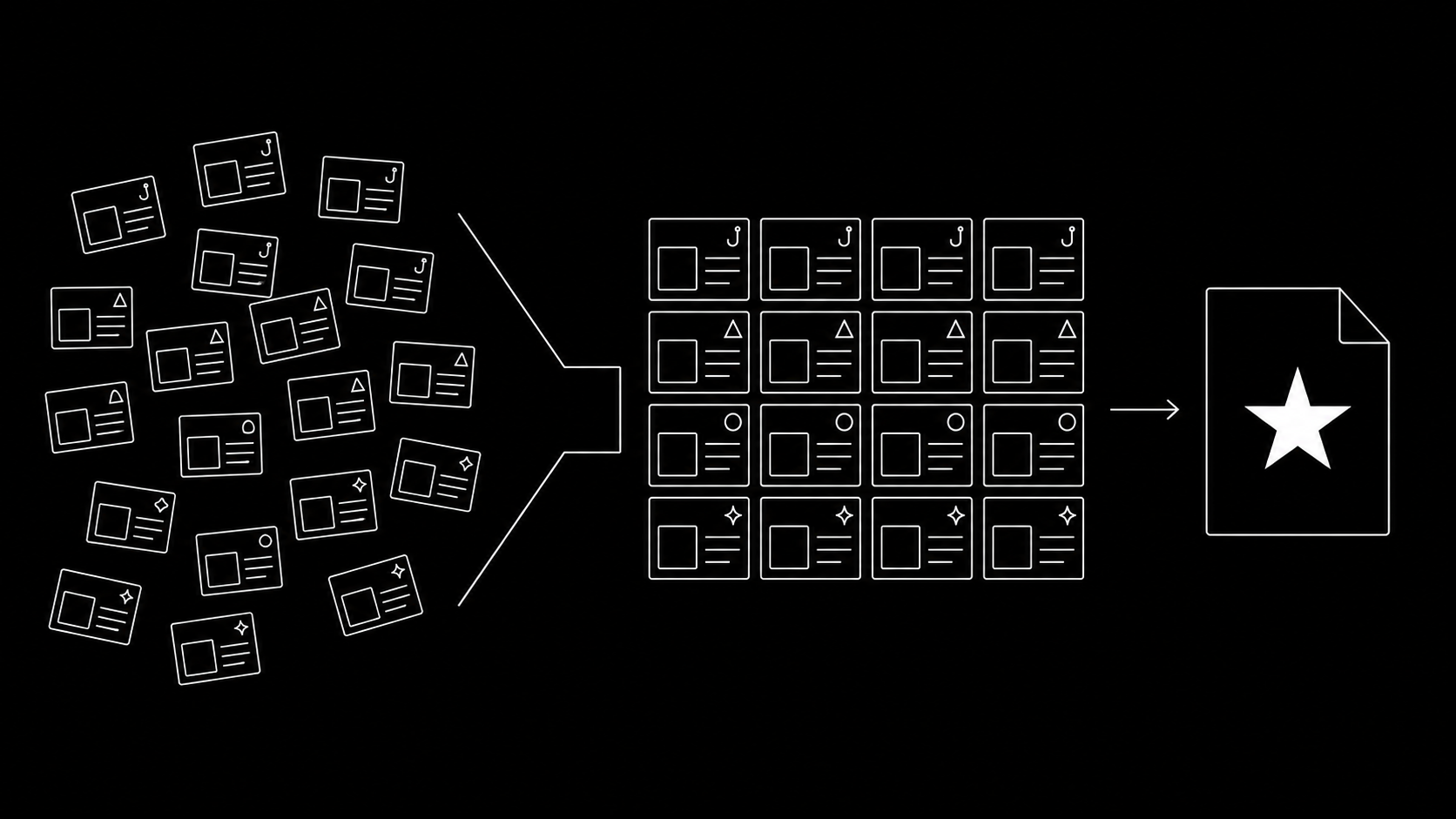
When one concept appears in many versions (same footage, different hooks; same hook, different CTAs), you are looking at a winner being scaled and iterated. Meta groups some of these as "X ads use this creative and text"; expand them. A concept a competitor cut six ways is a concept their data told them to invest in, and a strong hint for your own testing roadmap.
The EU tab is the cheat code
For ads shown in the EU, the Digital Services Act forces Meta to publish more: reach data by country and demographic. If your competitor advertises in Europe, open an ad's details and you can see roughly how many people it reached and where. Reach is a spend proxy, which turns "they run this ad" into "they run this ad hard". US-only advertisers show none of this; EU-reachable ones show a lot.
Workflows that compound
- The swipe review. A recurring session (weekly works) where you pull competitors' new ads and long-runners into your swipe file with notes on hook, angle, offer, and format. Structure beats screenshots-in-Slack, which is the same lesson as creative review generally.
- Cross-vertical mining. The best hooks in your category usually started in another one. Search keywords, not just brand names: "back pain", "meal prep", "payroll". You are mining mechanisms (the quiz opener, the founder apology, the us-versus-them chart), not copying ads.
- Pre-brief validation. Before producing a new concept, search whether competitors already ran and killed it. Absence proves little, but a graveyard of short-lived attempts at the same angle is worth knowing about before you spend.
- Landing page trails. Click through long-running ads. The page an evergreen ad points at has survived the same selection pressure the ad did.
What the Ad Library will not tell you
Honesty about the limits keeps you from over-reading it:
- No performance data outside EU reach and political spend. A running ad is probably working; that is inference, not measurement.
- No targeting details beyond the EU transparency fields. You see the ad, not the audience.
- No inactive ads for normal advertisers; history is only visible while ads run, so the log resets every time a competitor pauses.
- Survivorship at small spend: tiny advertisers keep bad ads running out of neglect. Run duration means most at advertisers disciplined enough to kill losers.
Frequently asked questions
Is the Facebook Ad Library free?
Yes, completely, at facebook.com/ads/library. No account is required for browsing, though some detail views prompt a login.
Can I see how much a competitor spends on Facebook ads?
Not directly, except for political and issue ads, where spend ranges are published. For commercial ads targeting the EU you can see reach figures, which work as a rough spend proxy. US-only commercial advertising shows no numbers.
Can competitors see my ads too?
Yes, all your active ads are equally visible. Assume every test you launch is public the moment it delivers; some teams time sensitive launches accordingly.
How do I find winning ads in my niche?
Search category keywords rather than brand names, then filter attention to ads that have run for months or exist in many variants. Long duration and heavy iteration are the closest public signals to "this ad prints".
Spying on winners is step one; out-shipping them is the game. upload.ad gets your response batch into Meta and TikTok the same day it clears review. Start free.
Veikka Grundström, Founder
I build upload.ad, the creative library and review workflow media buying teams use to get ads from edit to live on Meta and TikTok. I write about the parts of that job that waste the most time: creative testing, platform specs, review approvals, and the API behaviour nobody documents properly.